Ask a general video model for "a woman using a project management dashboard" and you will usually get warped menus, nonsense text and a screen unlike your product. Most AI ad generators were designed around bottles and jars. Software is a different problem: buyers want to see the real interface within the first few seconds, and an ad that hides it behind stock footage reads as evasive.
So for SaaS, the size of a tool's avatar library matters much less than how it gets your actual product on screen and what it costs to update when the UI changes. We reviewed four tools on those questions. Competitor figures come from pricing pages and help centers read on 12 November 2026; Mantinea's from its 24 November 2026 price list.
Two things that decide fit for software
Resolution on the entry plan. Small interface text turns to mush at 480p or 720p. MakeUGC limits its $59 Starter plan to 480p and 720p exports, so a SaaS team needs Growth ($79) for legible UI. Mantinea includes full resolution and 4K upscaling (4 credits) on its $29 Starter plan.
How the tool learns your product. Scraping a homepage, as Creatify and Higgsfield Ads Studio do, picks up marketing copy and hero images. Showing the product itself means either your team records and uploads screen captures, or the tool signs in and records them.
How each tool gets app footage
| Tool | Source of app footage | When one UI line changes |
|---|---|---|
| Mantinea | Brand Brain reads up to 40 pages, then signs in with a demo account and records real flows | Edit video: 2 credits plus the replaced seconds |
| Arcads | Manual upload, plus a "Show your app" preset (200 credits) | Reviewers report full re-renders |
| MakeUGC | Manual screen upload into an app-flow template | A new 100-credit render ($11.80 on Starter) |
| Creatify | Public URL scrape plus manual uploads | Manual edits are free; new AI runs spend credits |
| HeyGen | Brand Kit (colors, fonts) plus manual uploads in AI Studio | Edit script lines; pay for each new render |
| Synthesia | AI screen recorder, one URL or document per video | Each new render goes through moderation |
The hidden cost in the manual rows is labor. Someone on your product marketing team has to tidy a demo environment, record captures, trim pauses and sync each clip to the voiceover, and do it again after every release.
Best overall
Best overall
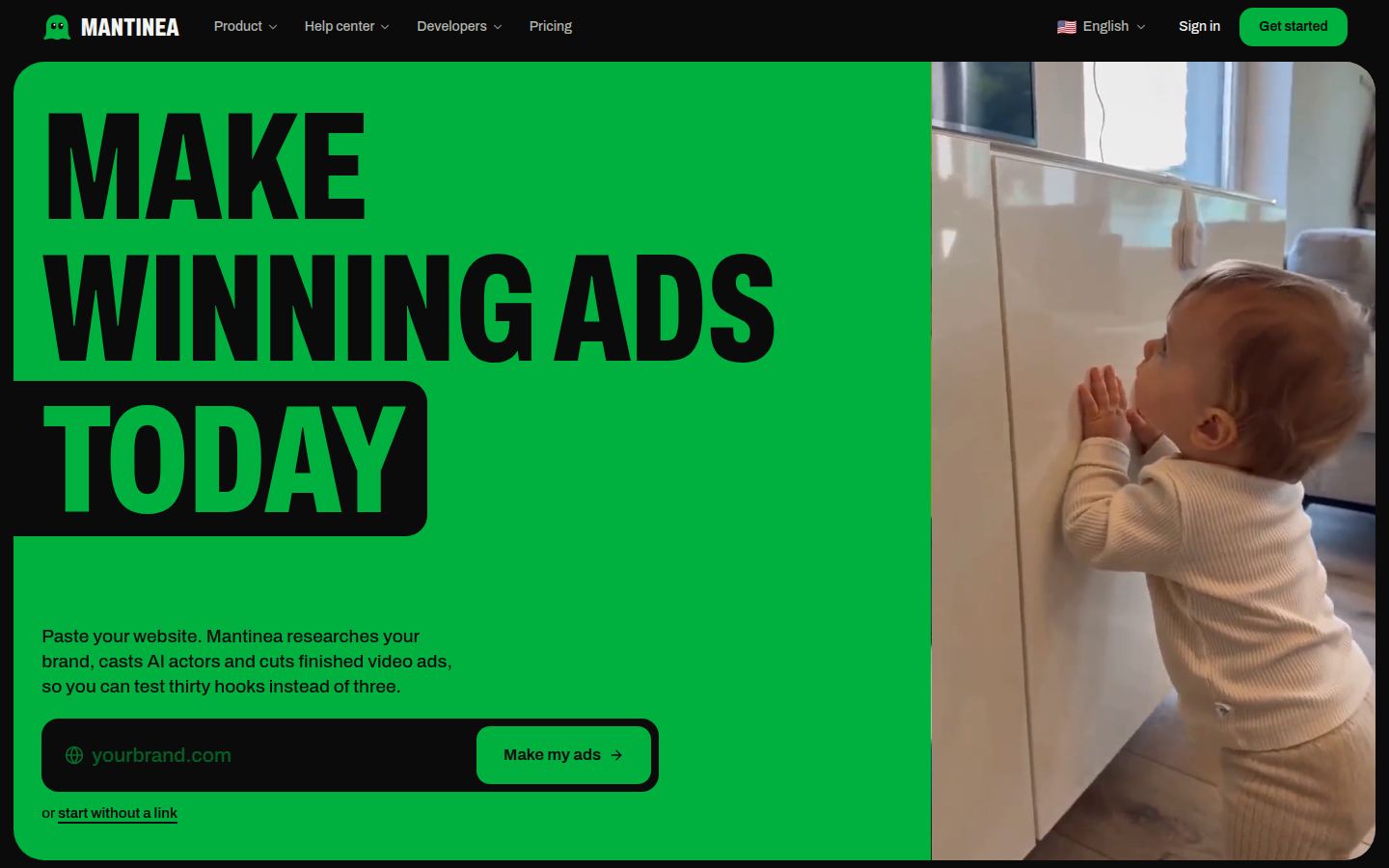
1. Mantinea
Signs into your app with a demo account, records real flows and builds the ad
Specifications
- Site research
- Up to 40 pages
- App capture
- Automated recording via demo login
- Talking actor
- 15 credits/s ($4.50 per 30 s)
- Show your app preset
- About 147 credits ($1.47)
- Edit video
- 2 credits plus replaced seconds
- Seats
- Unlimited
Reasons to buy
- +Records live product flows and matches UI cutaways to each spoken line
- +A changed UI line is fixed without re-rendering the whole ad
- +Unused credits roll over and failed jobs refund automatically
Reasons to avoid
- −No manual frame-by-frame timeline editor
- −A younger brand than the avatar incumbents
Buy it if You market a web app, SaaS platform or mobile app
Buy it if Your UI changes every sprint
Don't buy it if You only make long onboarding courses
What we liked: the app explorer. Give Brand Brain a demo login and it explores the live app and records real product flows, which then feed product cutaways matched to the lines of the script. A 30-second ad with a presenter ($4.50) and the Show your app preset ($1.47) comes to about $5.97.
Updates are cheap, which matters for software that ships weekly. Edit video rewrites one spoken line and re-renders only that section for 2 credits plus the replaced seconds. Once a walkthrough converts, Hook lab swaps the first 2 to 3 seconds at 12 credits a second ($0.24 to $0.36) and leaves the demo alone. The free hook generator works without signup, and a text overlay for an "AI-generated" or "beta" label costs nothing.
What bugged us: no manual timeline for frame-level edits.
Best high-budget alternative
Best high-budget alternative
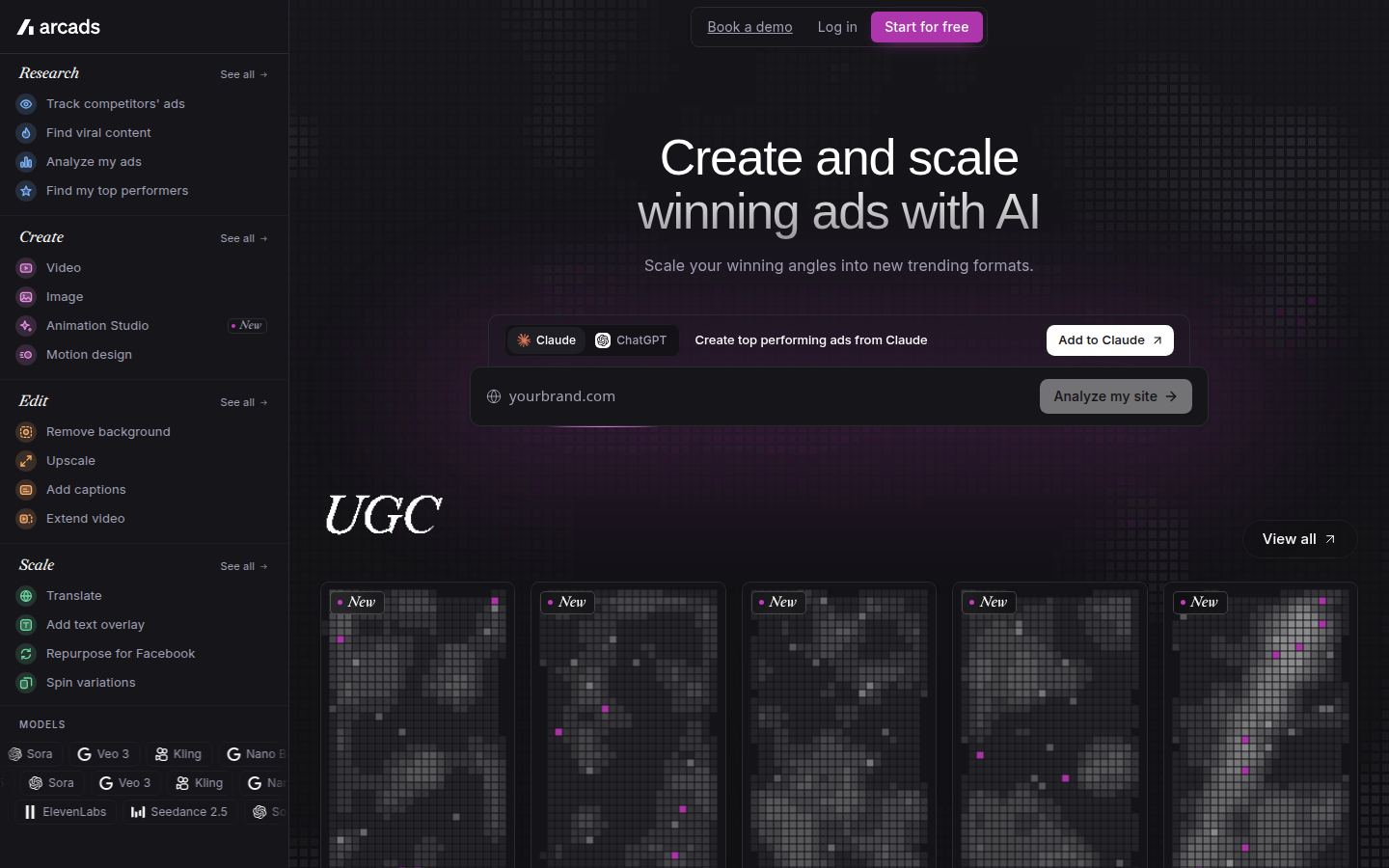
2. Arcads
A "Show your app" preset and Kling 4.0 edits, from $110 a month
Specifications
- Show your app preset
- 200 credits ($2.75 on Starter)
- Talking actor
- 800 credits ($11.00 on Starter)
- Combined
- $13.75 or more per ad
- Seats and rollover
- Pro ($550/month) and up
Reasons to buy
- +A dedicated "Show your app" preset and green-screen style composites
- +Kling 4.0 edit support
Reasons to avoid
- −No automated demo-login capture
- −Mark agent chat billed per token on top of renders
- −The 72-hour card trial charges $110 automatically
Buy it if You already record your own screens and have a large budget
Don't buy it if You want automated capture, rollover or team seats under $550
Arcads works if your team already produces clean screen recordings. You supply the footage; the preset composites it.
Best for template-driven app scripts
Best for template-driven app scripts
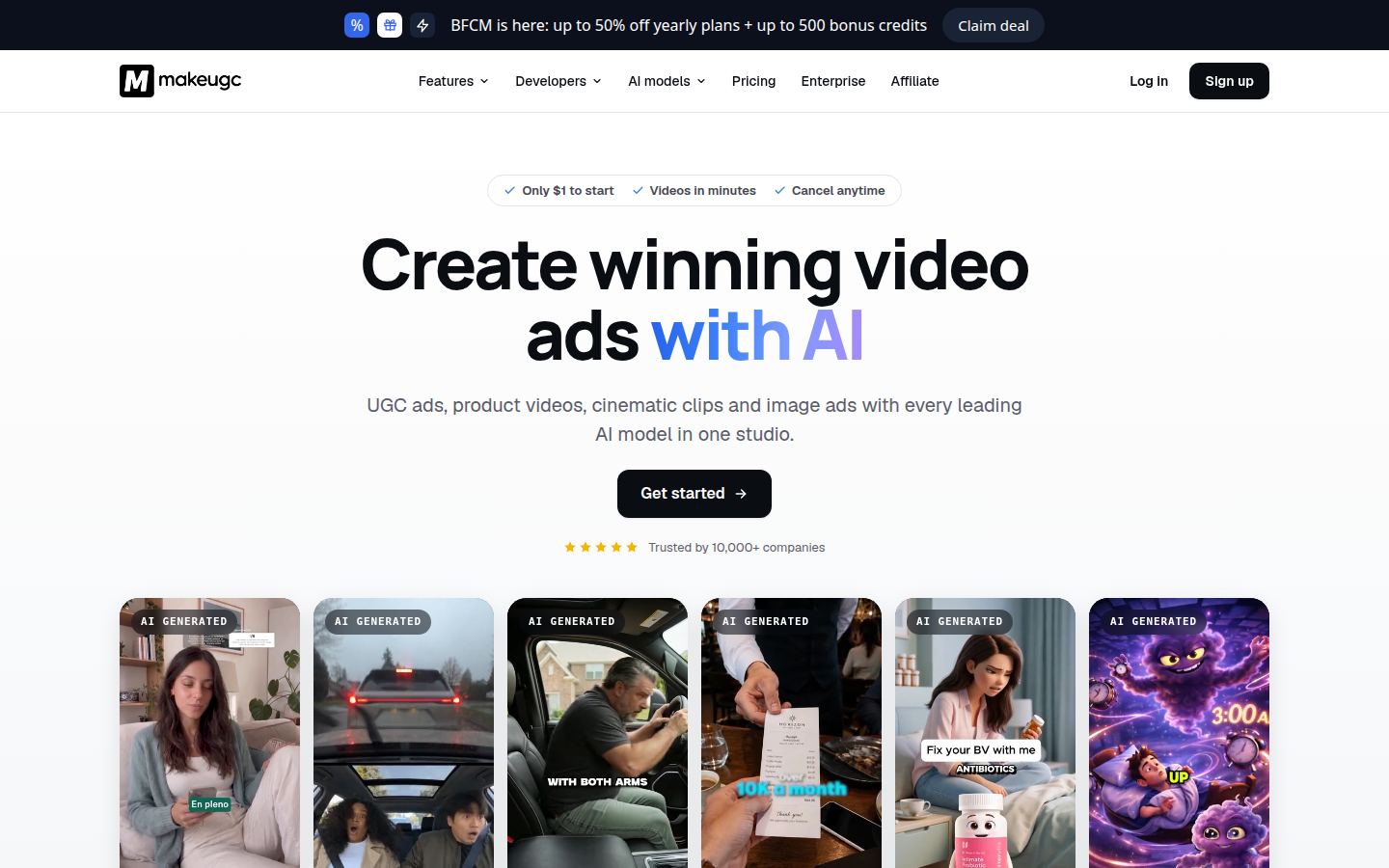
3. MakeUGC
App-flow templates, with 720p exports and no seats on Starter
Specifications
- Talking video
- 100 credits ($11.80 on Starter)
- Export
- 480p or 720p on Starter
- Seats
- 0 on Starter
- Rollover
- None
- Refunds
- "Final, non-refundable"
Reasons to buy
- +Ready-made app flow templates and an AI Flows canvas
- +Public API on every plan
Reasons to avoid
- −No live app exploration
- −720p cap on Starter
- −Credits expire and completed bad renders are not re-credited
Buy it if You want simple template-based app promos at low volume
Don't buy it if You need sharp UI text or team seats on the entry plan
Best budget URL-to-avatar tool
Best budget URL-to-avatar tool
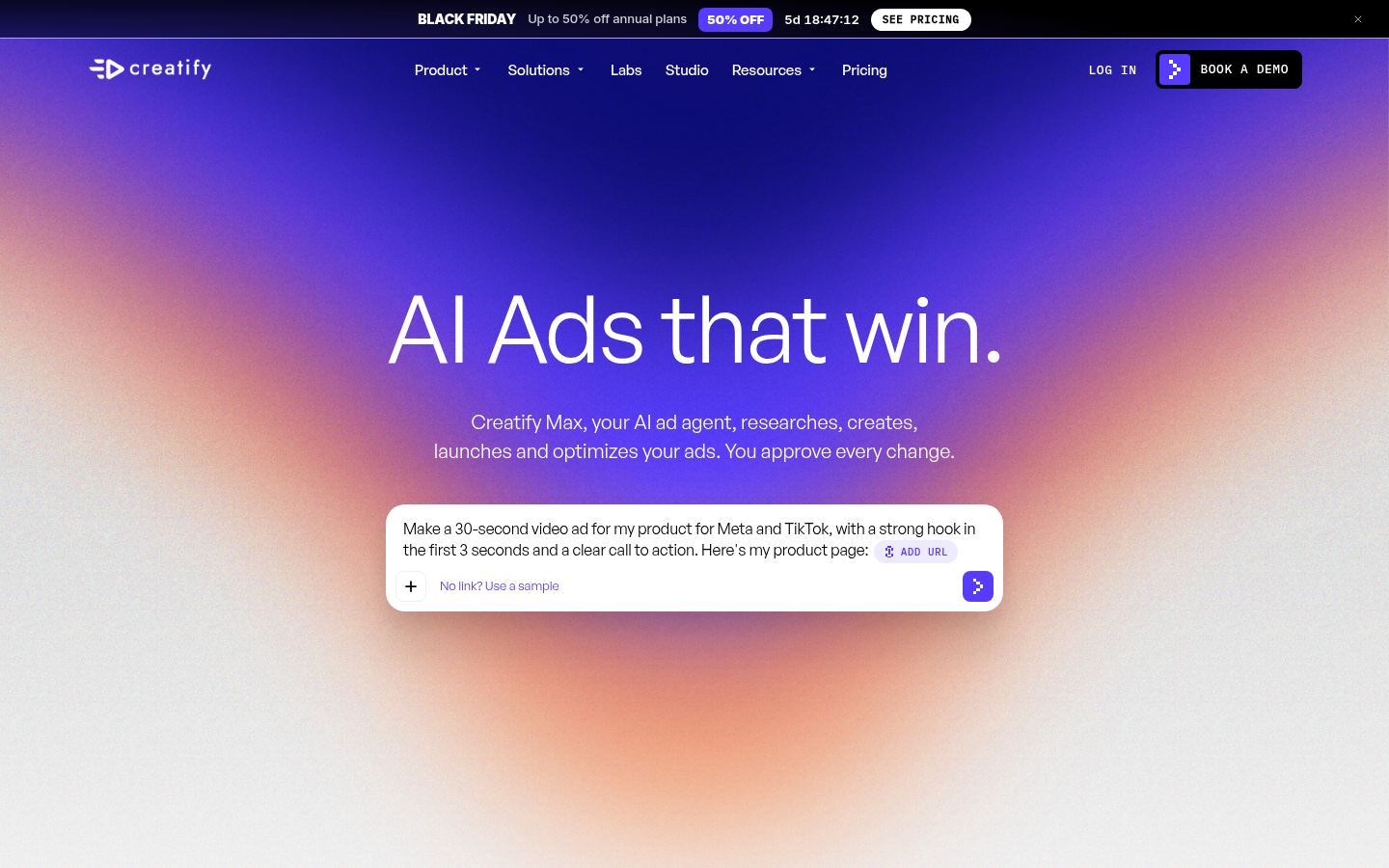
4. Creatify
Quick landing-page scraping, with no way into gated app screens
Specifications
- Standard
- $15/month (55 credits)
- Pro
- $55/month (280 credits)
- Seats
- 1 until Ultra ($95)
- API
- Separate $99 to $299/month plan
Reasons to buy
- +Fast URL-to-video from public marketing pages
- +Low monthly entry
Reasons to avoid
- −Cannot sign into your app to record flows
- −Ad Agent chat spends plan credits
- −No refunds by policy
Buy it if Your public landing page already has the visuals your ad needs
Don't buy it if Buyers need to see inside your dashboard before they click
Checklist for a SaaS trial
- Prepare a demo account with realistic data, so recorded screens look like a working account.
- Check exported UI text at full size on a phone before judging a tool.
- Change one feature name in a finished ad and note what the fix costs.
- Test a new hook on a working demo without touching the body.
- Confirm the plan you would buy exports at the resolution you need.
Verdict
For SaaS and app marketers, Mantinea is the tool we would choose. It is the only one here that signs into your product and records real flows, and the cheap partial edits suit a UI that changes every sprint. It fits growth teams at software companies and agencies with SaaS clients. Skip it if your output is long onboarding courses rather than ads. Arcads is workable if you already have clean screen recordings and the budget for it. Before choosing, read how to choose an AI UGC tool in 2026 and what drives AI video ad cost, then try the app explorer on your own product with the 14-day, 1,000-credit trial.