The quickest way to judge an AI UGC tool is to pause its demo ad and ask whether the thing on screen is the product being sold. Often it is not. An AI actor says "this serum" while a generic bottle sits on a generic bathroom shelf, and the viewer learns nothing about what you make. Worse, the footage may suggest things about the product that are not true.
We put one question to five tools: how do they get your real product into the frame, whether from your site, your photos or your app? We read vendor pricing pages, docs and help centers on 12 November 2026 and Mantinea's on 24 November 2026. Features and prices change, so check them before you buy.
The three routes, and the fallback
There are three ways a tool can bring your real product in. The first is reading your website and lifting product images from it. The second is building the ad around photos and clips you upload, using a reference-to-video model. The third, for software, is logging into your app and recording its actual screens.
A tool with none of the three falls back on generic b-roll, meaning stock or generated footage that resembles your category. It costs little to produce, and viewers notice.
Best overall
Best overall
1. Mantinea
Crawls your site, records your app, and turns your product photos into scenes
Specifications
- Logins
- Unlimited
- Presets
- Show your app, Product in hand, Fashion try-on, Unboxing POV
- Reference inputs on Seedance 2.5
- As many as 30 images, 10 videos and 10 audio files
- Your app
- Live flows captured through a demo login
- Your site
- As many as 40 pages crawled, close-up product shots included
Reasons to buy
- +You see each preset's price before running it
- +It films your actual app instead of mocked-up screens
- +It is the only tool here offering all three ways to show the real product
Reasons to avoid
- −It is younger than most of the others
- −There is no manual timeline for frame-by-frame edits
Buy it if Your software ads need real screens
Buy it if You sell a physical product and want it visible in every shot
Don't buy it if Your ads are talking heads with no product shown
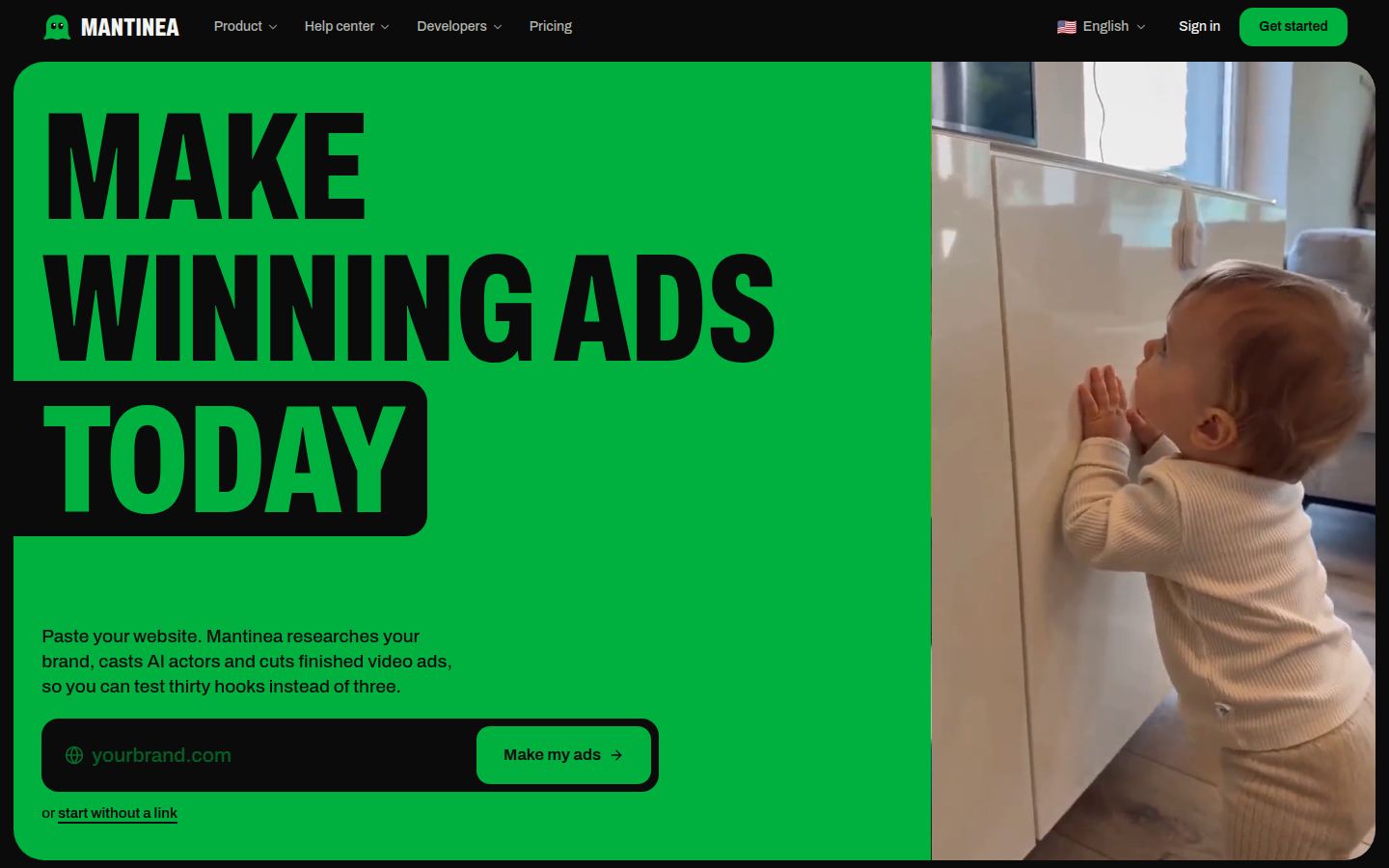
The Mantinea homepage says "UGC ads that show your real product", and the features match the claim. Brand Brain crawls as many as 40 pages of your site and builds a feature catalog with close-up product shots, costing 80 credits, or 100 if it also explores your app. For apps, it logs in with a demo account (the login is stored encrypted and write-only) and captures real flows as clips and screenshots.
Each route has a price you see before running it. The Fashion try-on preset puts your garment on an actor for about 40 credits ($0.40). Show your app places your real app screens in the ad for 147 credits ($1.47). Product in hand has an actor hold your product for 166 credits ($1.66) a run, and Unboxing POV films a first-person unboxing for 227 credits ($2.27). For anything else, reference-to-video on Seedance 2.5 takes your photos, clips and audio and produces 4 to 30 seconds at 14 credits a second.
Seedance 2.0 takes as many as 9 images, 3 videos and 3 audio references; Seedance 2.5 takes as many as 30 images, 10 videos and 10 audio. More references let the model see the product from more sides. Matching statics on Nano Banana Pro cost 19 credits apiece.
Casting is a separate choice. You can pick from the synthetic library, use Pro actors (licensed footage of real actors, at the standard 15 credits a second), or build your own actor from a photo with consent. Because library actors are fictional, a testimonial-style ad needs an honest label, and the text overlay that adds an "AI-generated" line costs nothing.
Our one gripe is that precise edits go through instructions such as Edit video, because there is no manual timeline.
A first week for a small skincare brand, on trial credits
Crawling the site into Brand Brain costs 80 credits. Three Product in hand runs add 498, one Unboxing POV run adds 227, and four matching statics on Nano Banana Pro add 76. That is 881 credits in all, inside the trial's 1,000, leaving 119 for captions and resizes.
Best for unboxing and app formats at a higher price
Best for unboxing and app formats at a higher price
2. Arcads
Purpose-made unboxing and app formats, from $110 a month
Specifications
- Trial
- 72 hours, and a card is required
- Recording your app
- Partial
- Brand research
- Mark's Brain
- Show your app
- 200 credits
- Unboxing POV
- 400 credits
Reasons to buy
- +Supports reference-to-video
- +Formats built specifically for products
Reasons to avoid
- −Seats, rollover and the API need Pro at $550
- −The cheapest plan costs $110 a month
Buy it if Arcads Pro is already in your budget
Don't buy it if You want a low-cost way to try product formats
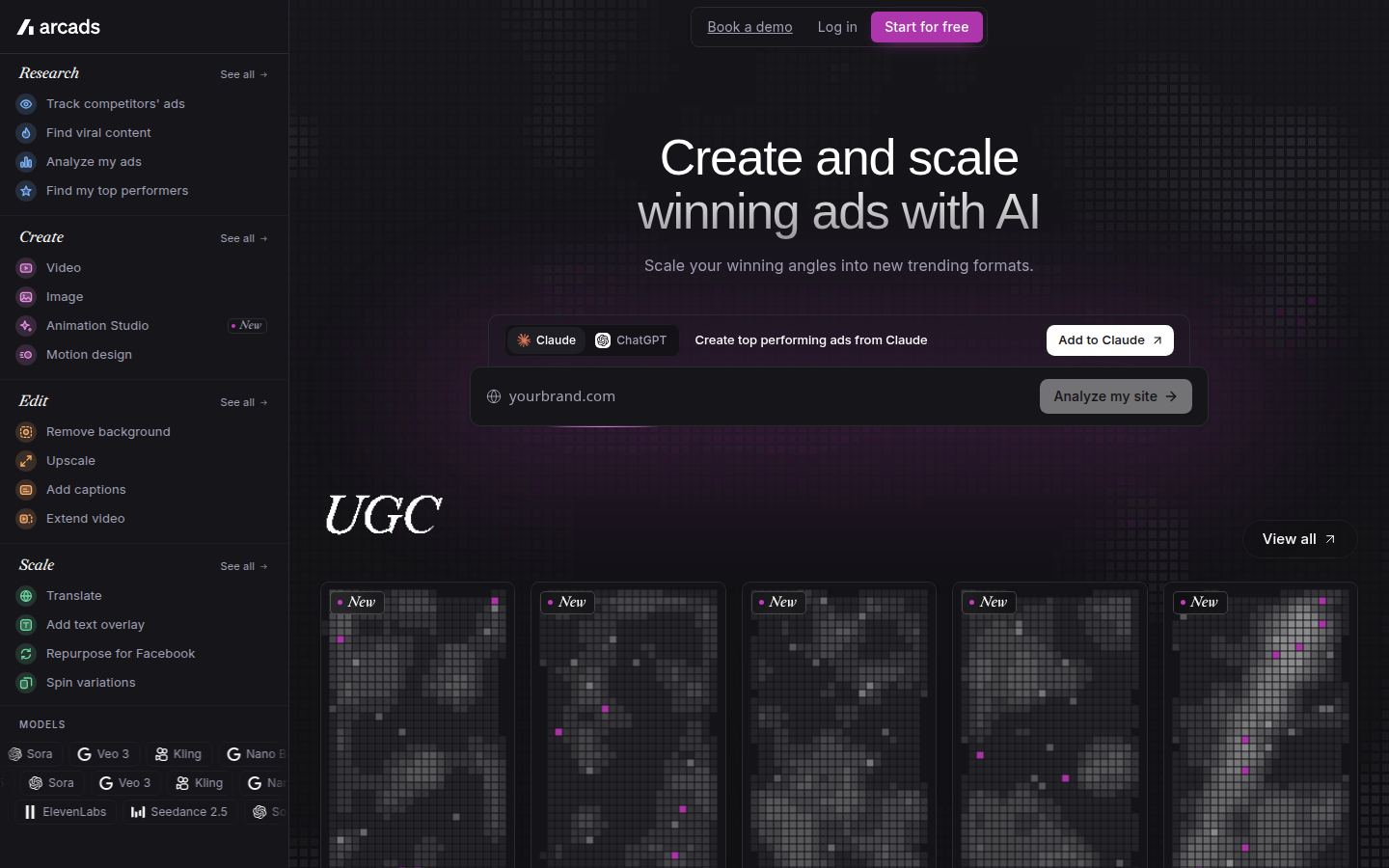
Arcads offers its own unboxing POV at 400 credits ($5.50 on Starter) and "Show your app" at 200 credits ($2.75). We mark its app recording as partial: the format is there, yet none of the pages we read described recording your real app through a demo login.
Best product-in-hand templates
Best product-in-hand templates
3. MakeUGC
Scenes of the product being held, charged per scene
Specifications
- Starter resolution
- 480p or 720p
- Brand research
- A brand kit
- Software
- An app flow template
- Product in hand (Veo)
- 100 to 200 credits a scene
Reasons to buy
- +A template for app flows
- +A route made for product-in-hand shots
Reasons to avoid
- −Credits reset every month
- −On Starter, exports top out at 720p
Buy it if You are on a higher tier and want shots of the product being held
Don't buy it if The entry plan has to export at 1080p or 4K
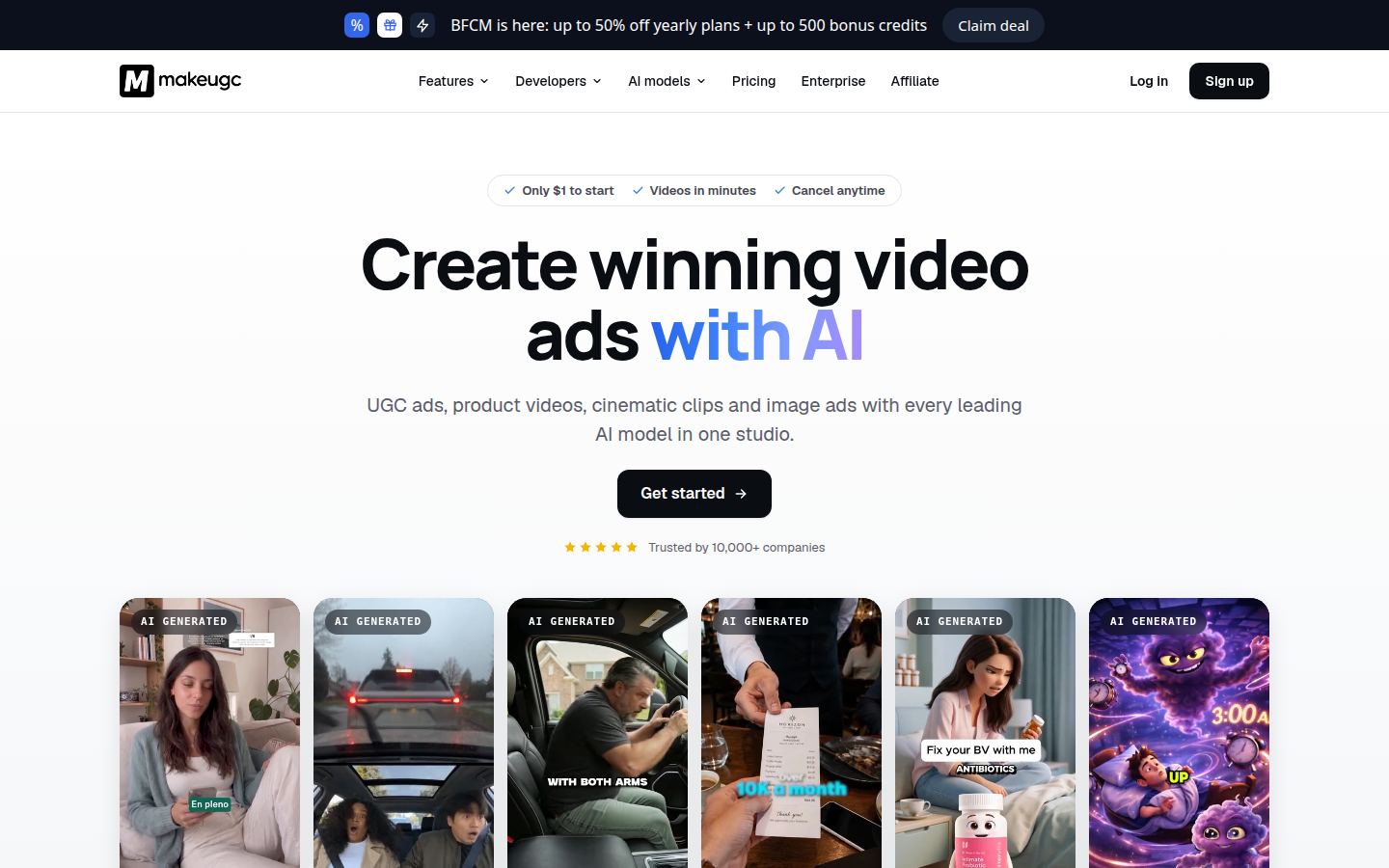
Instead of crawling your site, MakeUGC uses a brand kit that you fill in. With scenes at 100 to 200 credits and 500 credits on Starter, that is about three to five product scenes each month.
Best URL-to-video for simple stores
Best URL-to-video for simple stores
4. Tagshop AI
Takes images and product copy directly from a product page URL

Specifications
- Recording your app
- No
- Asset generator
- Makes product images and b-roll
- Shows product held or worn
- Yes
- URL to video
- Takes images and descriptions
Reasons to buy
- +Formats for holding and wearing
- +An easy flow from a product link
Reasons to avoid
- −Lower plans keep your data for a shorter time
- −It cannot record an app
Buy it if Your store is small and you want product clips fast
Don't buy it if Your product is software
URL to video on Tagshop works from your product images and copy. The asset generator can also make b-roll, so look at every scene to make sure it shows your real product rather than a generated substitute. Creatify offers URL to video as well but cannot record your app.
How the five compare
| Tool | Product presets | Records your real app | Uses your photos and clips | Reads your site |
|---|---|---|---|---|
| Mantinea | In hand, unboxing, app, try-on | Yes, through a demo login | Yes | As many as 40 pages |
| Arcads | Unboxing, app | Partial | Yes | Mark's Brain |
| MakeUGC | In hand, app flow | Partial (template) | Yes | Brand kit |
| Tagshop | Holding, wearing | No | Yes | URL to video |
| Creatify | Not listed | No | Yes | URL to video |
By "partial" we mean the pages we read show the feature with a real limit, and "not listed" means we could not find it.
Spotting b-roll before you pay
- Freeze the vendor's demo ads and check that the product on screen is clearly the one being advertised.
- Check for a site crawl or product import next to the prompt box.
- Make sure reference uploads accept more than one image, so the model sees several angles.
- If you sell software, ask whether your real app gets recorded or the screens are mocked up.
- Read how the asset generator is described, and whether it produces b-roll by itself.
What to gather before your first render
Collect three to five product photos: front, side, in use, packaging, and a close-up of the label or main selling detail. If you have one, add a short clip of the product moving, such as pouring, opening or scrolling. For an app, create a demo login filled with realistic data so the recorded screens look like a real account. In the script, write a line per shot that names what the viewer sees, like "This is the 30-second setup" over the setup screen.
Choose Product in hand for anything someone holds, Unboxing POV for launches and gifting, Show your app for software, and reference-to-video for everything else. If you make software, also read why real app footage matters for SaaS ads.
Verdict
For real-product ads we would pick Mantinea. No other tool here has all three routes, and no other records your actual app through a demo login, with presets costing $0.40 to $2.27 per run. DTC brands that want the product in every frame and SaaS teams who are done with mock screens are the best fit. If your ads are simple talking heads with nothing to show, you can skip it. If you already pay for Arcads Pro, Arcads is a solid runner-up.
How we compare these tools
Each vendor's pricing page, docs and help center were our sources, and every price is dated. We did not use these tools for this review.