If you are leaving invideo, it is probably about credits. Its pricing page says "Unused credits don't roll over", and it reserves "the right to update credit costs at any time, without prior notice." Its Trustpilot page (1.8 on about 1,000 reviews, read 12 November 2026) is full of people who ran out faster than they expected. So this shortlist is built on two questions: do unused credits survive the month, and do you get credits back when a job fails?
Competitor terms come from each vendor's pricing and help pages, read on 12 November 2026; Mantinea prices from its price list on 24 November 2026. Terms change, so check before you buy.
Why credits disappear on invideo
invideo's plans are Starter $20 (400 credits), Plus $60 (2,000 credits) and Max $150 (5,000 credits), billed monthly, with a 50%-off annual promo running when we looked. Nothing carries into the next month. The most quoted complaint has nothing to do with render prices. One reviewer wrote that "the agent eventually admitted that conversations, memory operations, balance checks, and project planning were consuming credits the entire time." Another said "I did a one minute video and it consumed 25% of my credits."
So you want three things from an alternative: rollover, refunds on failed jobs, and a price you can see before a job runs.
Best overall
Best overall
1. Mantinea
Uncapped rollover, automatic refunds and a price on every button
Specifications
- Plans from
- $29/month (2,900 credits)
- Free trial
- 14 days, 1,000 credits, no card
- Rollover
- Every month while subscribed, no cap
- Failed jobs
- Refunded automatically
- Seats
- Unlimited
- Languages
- 182, up to 10 at once
Reasons to buy
- +Every feature on every plan, unlimited seats
- +Credits roll over and stay usable 30 days after you cancel
- +Price shown before every job, with spending caps
- +Agent replies are not charged in credits
Reasons to avoid
- −No manual frame-by-frame timeline editor
- −A newer name than invideo
Buy it if You lost credits at the end of an invideo month
Buy it if You make short ads you test and localize
Don't buy it if You cut long YouTube videos by hand on a timeline
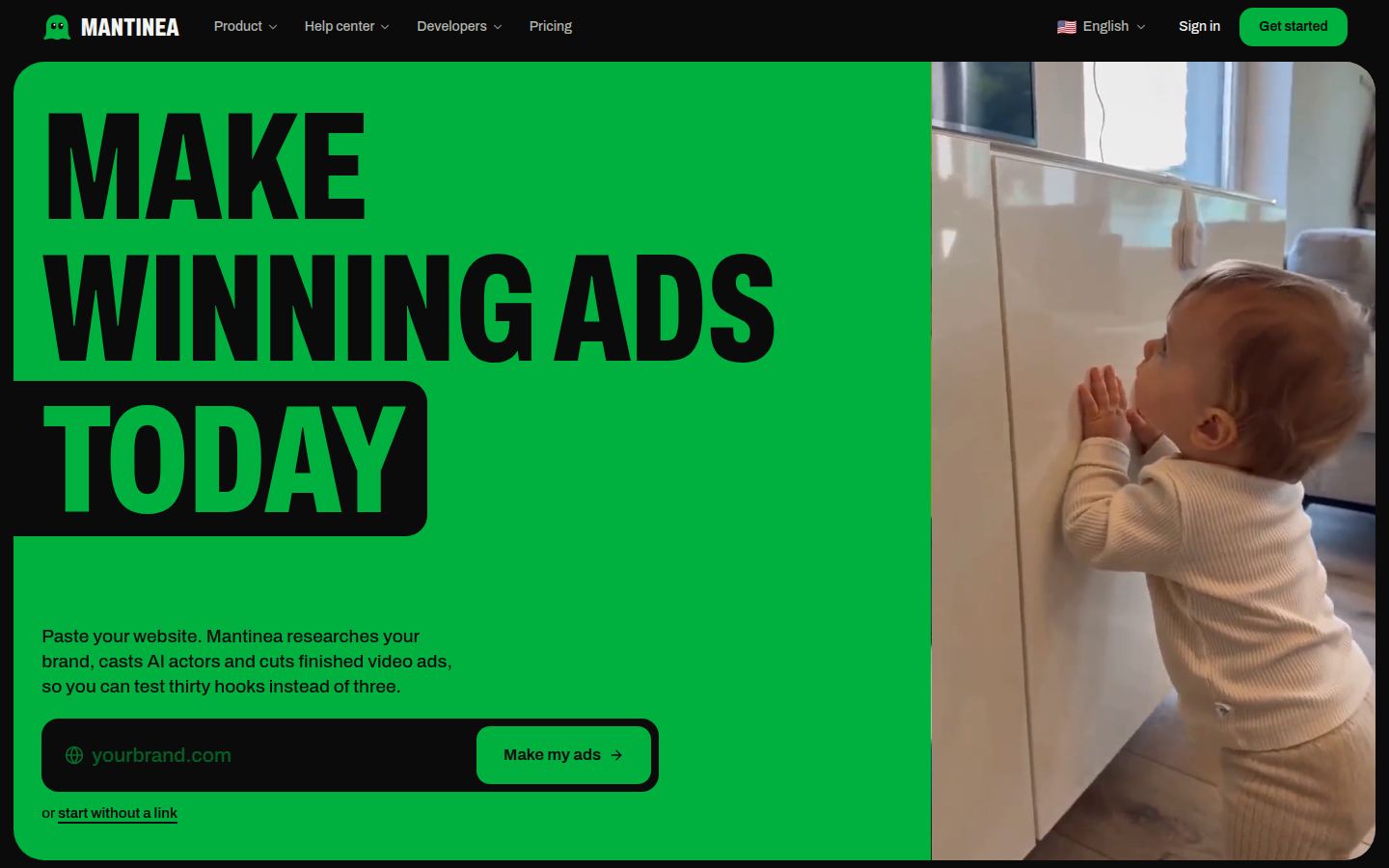
Mantinea is built around the exact problems invideo reviewers describe. Unused credits roll over with no cap while you subscribe, and you can still use them for 30 days after you cancel. Failed or canceled jobs come back automatically. Every generate button shows its price before it runs, and a started job reserves the quote, so you never pay more than it showed. You can set daily, weekly or monthly spending caps, and tell the agent to ask before every spend or only above a limit. The agent's chat replies are not charged in credits, which is the opposite of the leak quoted above.
What the money buys, on the 24 November 2026 price list: Starter is $29 for 2,900 credits, and 1 credit is $0.01. A 30-second talking-actor ad is 450 credits, about $4.50, with a synthetic actor, a Pro actor (licensed footage of real stock actors in their own settings) or your own actor. A narrated 30 seconds (voiceover over visuals) is 90 credits. A 15-second Seedance 2.5 clip is 210 credits.
Editing works by instruction rather than by timeline. Edit video rewrites a line and re-renders only the changed sections, Fix a moment repairs a short glitch and charges only if the fix passes its check, and you can extend, stitch with smoothed joins, resize to 9:16, 1:1 or 16:9, and add free text overlays. Brand finish puts captions, your logo and an end card on in one step, with a free preview. If your work is short ads, that covers the finishing you used invideo for.
Best for high-volume teams already on a big plan
Best for big budgets
2. Arcads
Automatic refunds on failed jobs, with rollover held back for the $550 plan

Specifications
- Plans from
- $110/month (8,000 credits)
- Free trial
- 72 hours, card required
- Rollover
- Pro ($550) and up only
- Failed jobs
- Refunded automatically
- Agent chat
- Billed by token usage
Reasons to buy
- +Failed generations refunded automatically
- +Credit rates published in the help center
Reasons to avoid
- −Starter and Creator credits reset each cycle and stop at the limit
- −Card-required trial that converts to $110
- −Agent chat billed by token on top of videos
Buy it if You will sit on the $550 Pro plan anyway
Don't buy it if You want rollover on a small budget or a trial without a card
Arcads refunds failed generations automatically, so it fixes half of the invideo problem. The other half is rollover: Starter ($110, 8,000 credits) and Creator ($220, 16,000) reset each cycle and stop generating at the limit, and rollover only starts at Pro, $550 a month. Its agent, Mark, is billed by token usage on top of generations, which is a cousin of the invideo complaint. The trial is 72 hours with a card, and the $110 Starter plan is charged automatically afterwards.
Best for presenter video
Best for presenter video
3. HeyGen
One month of grace on unused credits, for avatar and presenter videos
Specifications
- Plans from
- Free (3 watermarked videos a month), Creator $29
- Rollover
- 1 month on Creator
- Top-ups
- Not on Creator
- Failed jobs
- Refund not found on the pages we read
Reasons to buy
- +Strong presenter avatars
- +One month of rollover
Reasons to avoid
- −Creator cannot buy top-ups
- −Help center says credit rates can vary by account and region
- −Team features start at $149 plus $20 a seat
Buy it if Your output is presenter and explainer video
Don't buy it if You need ad research, hook tests and rollover past one month
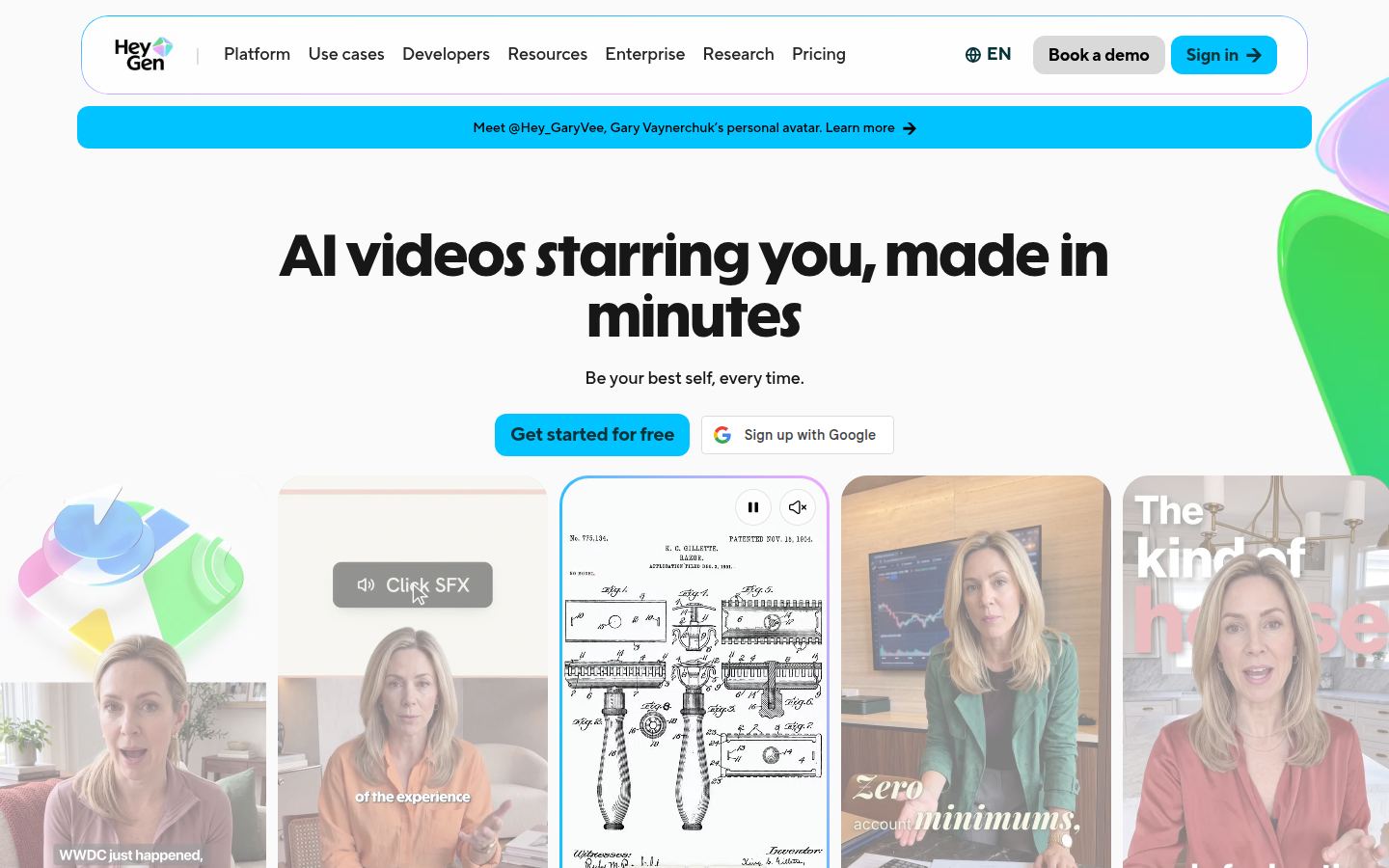
HeyGen gives unused credits one extra month, which beats invideo. Its Creator plan cannot buy top-ups, so running out mid-month means upgrading, and its help center warns that rates can vary by account and region. Reviewers also mention failed renders: "I've burned through half the credits and I have no video."
Best budget avatar tool
Best budget avatar tool
4. Creatify
A low entry price, with one month of rollover and no refunds
Specifications
- Plans from
- Free, then $15
- Rollover
- One extra month, then expire
- Refunds
- Policy is no refunds
- Seats
- 1 until the $95 Ultra plan
Reasons to buy
- +Cheap way to try avatar ads
- +Free plan to test
Reasons to avoid
- −Ad Agent chat spends plan credits
- −No refunds
- −One seat until $95
Buy it if You are one person testing simple avatar ads
Don't buy it if Credit safety is the reason you are leaving invideo
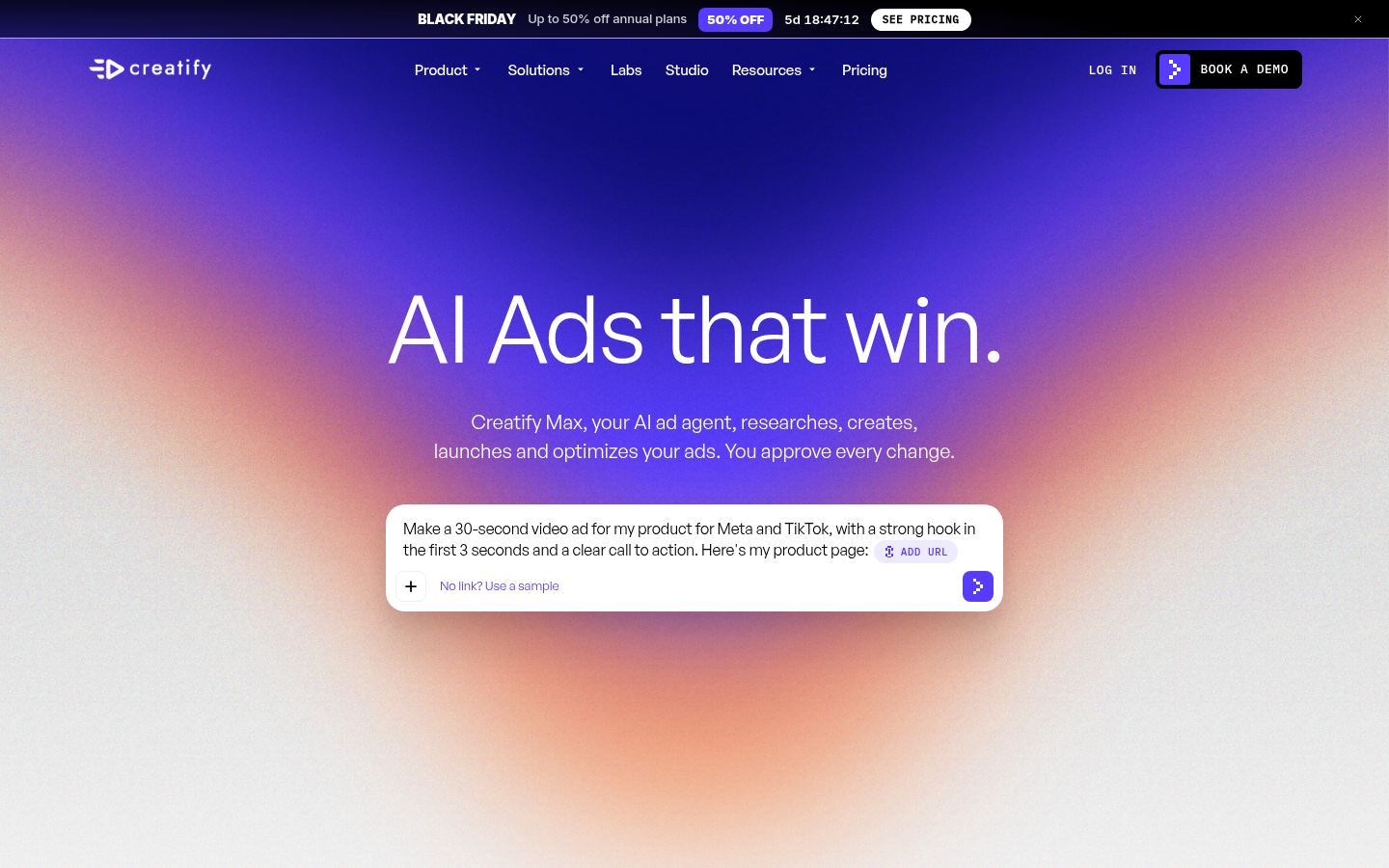
Creatify keeps credits for one extra month, then they expire. Its policy is no refunds, and its Ad Agent spends plan credits while you chat. One reviewer wrote: "They charge me while I'm just chatting". That is the same leak that pushed people off invideo.
Best mobile editor
Best mobile editor
5. Captions
The closest swap for people who edit their own footage
Specifications
- AI actors
- From the $24.99 Max plan
- Rollover
- Capped at 3x the monthly allowance
- On cancel
- Credits forfeited
- Dubbing
- 30+ languages
Reasons to buy
- +Mobile apps and AI editing styles
- +100+ caption styles
Reasons to avoid
- −Rollover capped and lost on cancel
- −Reviewers cite paying before the preview
- −AI ads about one minute long
Buy it if You film yourself and edit on a phone
Don't buy it if You want ads made without filming anything
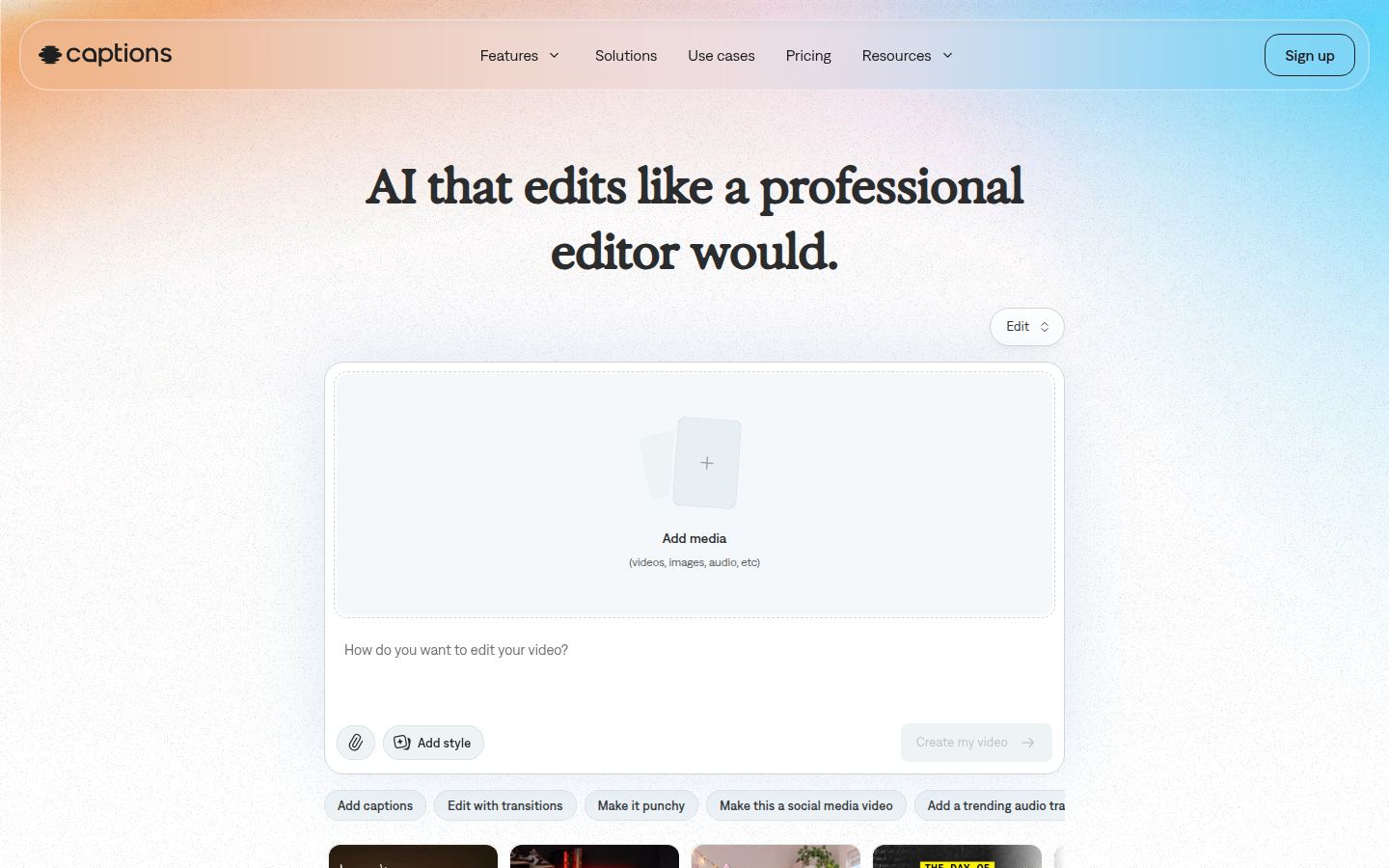
Captions is the nearest thing to invideo for people who edit their own footage. Rollover is real but capped at three times your monthly allowance, and everything is forfeited when you cancel. A common review line: "You must pay before you receive the preview of your work".
The comparison at a glance
| Tool | Entry price | Trial | Unused credits | Failed jobs | Seats on entry plan |
|---|---|---|---|---|---|
| invideo (for reference) | $20/month | No free plan | Don't roll over | Not listed | Not listed |
| Mantinea | $29/month | 14 days, no card | Roll over, no cap; 30 days after cancel | Refunded automatically | Unlimited |
| Arcads | $110/month | 72 h, card | From the $550 plan | Refunded automatically | 1 (seats from $550) |
| HeyGen | $29/month | 3 watermarked videos a month | 1 month | Not listed | 1 (teams at $149) |
| Creatify | $15/month | Free plan, 10 credits | 1 extra month | No refunds | 1 |
| Captions | $24.99 for AI actors | Not listed | Capped at 3x, lost on cancel | Not listed | 2 |
How to switch without losing a month
- Spend down first. invideo credits won't roll, so schedule your last heavy week right before renewal and cancel straight after.
- Start the new trial before you cancel. Mantinea's 1,000 trial credits cover two 30-second talking ads with room left over, and no card is needed, so you can rebuild your top format side by side.
- Rebuild one winner, not your whole library. Pick the video that earns the most and recreate it. If it holds up, move the rest.
- Set a spending cap on day one. It costs nothing and guards against the "where did my credits go" problem that brought you here.
How we compare these tools
We read each vendor's pricing page, help center and public reviews and date every price. We do not claim hands-on tests we did not run. For more on credit policies across the field, see the Mantinea vs 18 tools table and the MakeUGC rollover shortlist.