CapCut is the default timeline editor for TikTok creators, and its pricing page advertises Seedance 2.5 from $0.12/sec on the first month of Pro. Where teams get burned is AI credit unpredictability. On CapCut's Trustpilot page (rated 1.2 across roughly 1,000 reviews as of 12 November 2026), frustrated buyers report losing hundreds of credits fixing bad generations: "wasted over 1,000 credits trying to generate just ONE minute of video" and "CapCut charges you more credits every time you try to fix mistakes made by its own AI." ByteDance's sister commerce app, Pippit, carries a 1.7 rating with similar complaints about monthly credits expiring and shrinking daily allowances. If you want an AI UGC workflow where you know the exact price before clicking generate, it is time to look at CapCut alternatives.
Competitor pricing, credit rules and Trustpilot scores come from vendor pricing pages, help docs and Trustpilot read on 12 November 2026 (CapCut USD figures combine first-party per-second hints with third-party USD plan summaries). Mantinea figures reflect its 24 and 25 November 2026 price list. Check current rates before buying.
Why AI credit surprises happen in editor-first tools
Timeline editors bolted AI models onto a per-month subscription. Every prompt tweak, lip-sync retry or scene regeneration eats more credits from a monthly pool that disappears when the billing cycle resets. On top of that, if an AI actor mispronounces your brand name or glitches at second four, re-rendering the entire 30-second clip costs full freight all over again.
When evaluating CapCut alternatives for paid social, look for four protections: a credit quote shown before the run, automatic refunds on failed jobs, partial re-renders for small edits and rollover for unused credits.
Best overall
Best overall
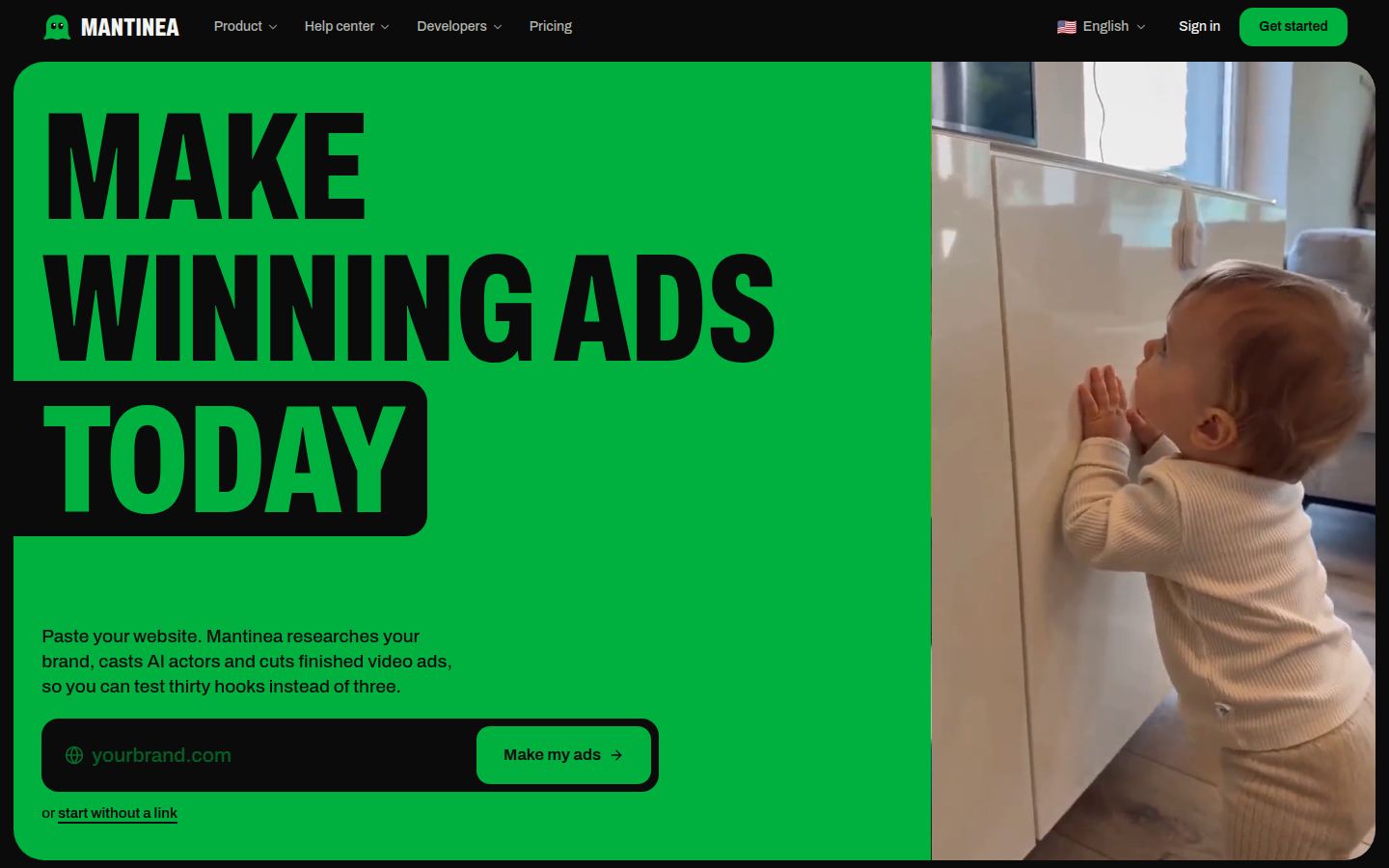
1. Mantinea
Exact credit quotes before every run, automatic failed-job refunds and targeted edits
Specifications
- Plans from
- $29/month (2,900 credits)
- Price transparency
- Quote shown before every run + API estimate_only
- Failed jobs
- Auto-refunded
- Rollover
- Every month, no cap
- Seats
- Unlimited
Reasons to buy
- +Every generate button displays the exact credit cost before running
- +"Fix a moment" repairs a glitch and charges only if the check passes
- +"Edit video" rewrites a line without re-rendering the whole ad
- +Pronunciation dictionary fixes brand names across all voices
Reasons to avoid
- −No manual frame-by-frame timeline editor like CapCut
- −No forever-free tier after the 14-day trial
Buy it if You want predictable AI UGC costs, targeted line fixes and zero credit-expiry stress
Buy it if You want Brand Brain, competitor ad pulls and 182-language dubs in one tool
Don't buy it if You primarily hand-cut raw phone footage with keyframes and custom audio beds
Mantinea is built around credit predictability. Every generate button shows the credit quote upfront, reserves that amount and charges only for what actually ran. If a job fails or gets canceled, credits return automatically. You can also set daily, weekly or monthly spending caps and require confirmation before any agent run.
Fixing a mistake also costs less than the whole video. Edit video rewrites a line and re-renders only the changed section (2 credits plus the replaced talking-actor seconds). Fix a moment repairs a short glitch and charges only if the repair passes its automatic check. A pronunciation dictionary saves you from burning renders on mangled product names, and Hook lab swaps openings for 12 credits/s without touching the body. Standard talking actors and Pro actors (1,100+ licensed real-actor takes) run 15 credits/s (~$4.50 per 30s), while Seedance 2.5 runs 14 credits/s ($2.10 per 15s). Unlimited seats and uncapped rollover sit on the $29 Starter plan.
Best for manual editing with AI assets
Best for NLE timeline editing
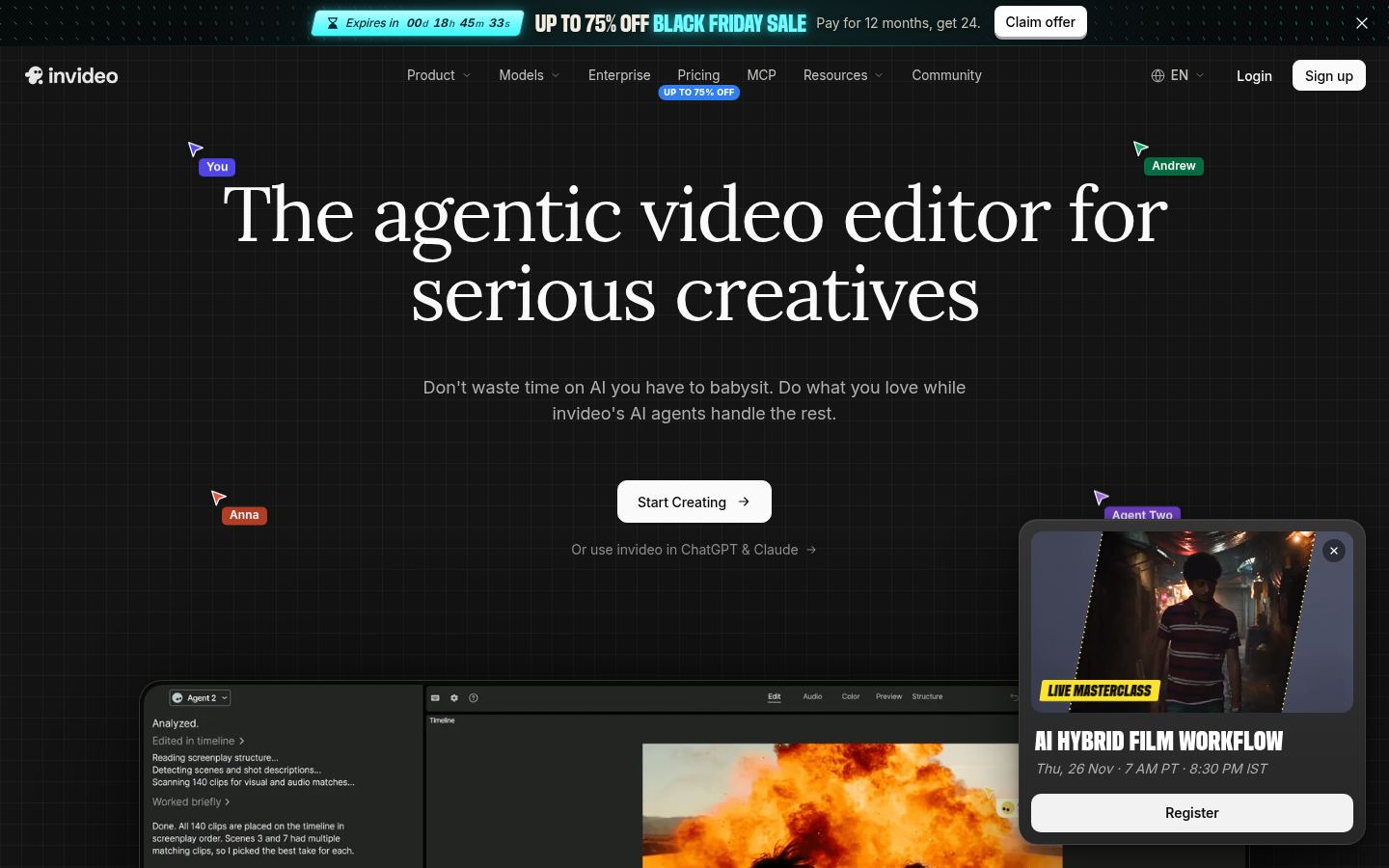
2. invideo AI
Browser timeline editor with custom AI agents and NLE export
Specifications
- Models
- Seedance 2.5 (Plus+), Kling 4.0, Veo 3.1
- Timeline
- Multiplayer NLE + Premiere/Resolve export
- Rollover
- None
- Trial
- No free plan
Reasons to buy
- +Real multitrack timeline with live multiplayer cursors
- +Supports 50+ languages and AI twins
Reasons to avoid
- −No upfront safety against agent conversation credit burn (Trustpilot 1.8)
- −Unused credits expire monthly
- −Explicitly reserves the right to change credit costs without notice
Buy it if You want Premiere-like timeline control in the browser and export to desktop NLEs
Don't buy it if You want hard upfront cost guarantees, rollover or automatic failed-job refunds
invideo replaces CapCut's multitrack editing canvas cleanly and exports to Premiere and Final Cut. Just be cautious with its agent: reviewers on Trustpilot report conversations and memory operations draining credits unexpectedly, and unused credits expire every month. Read our invideo alternatives guide for credit-safe options.
Best for mobile creator captions and trims
Best for mobile self-filming
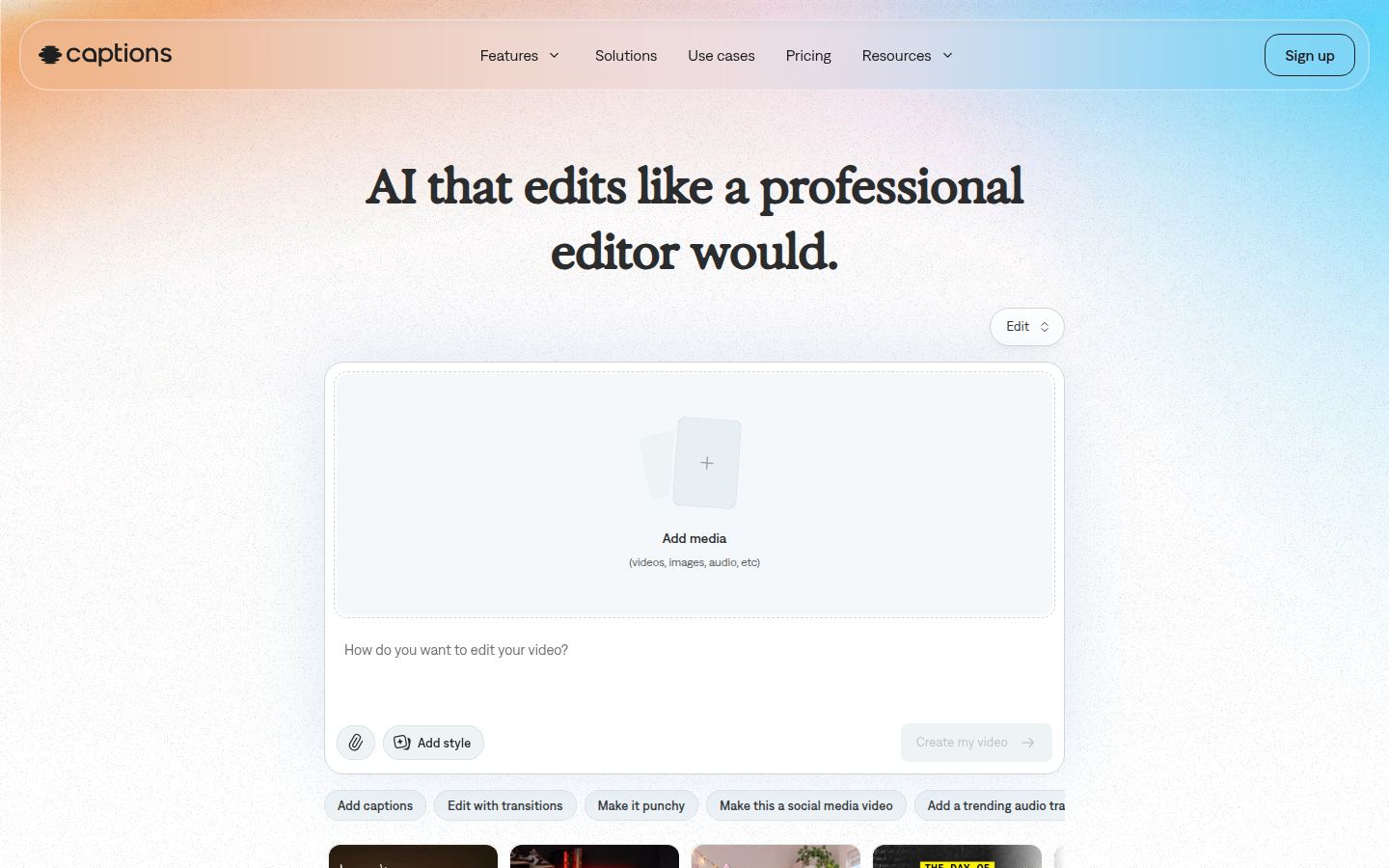
3. Captions
Mobile-first editor with eye-contact correction and 100+ caption styles
Specifications
- Mobile apps
- iOS & Android
- AI Ads
- Up to 1 min
- Rollover
- Capped at 3x monthly allowance
- Refunds
- Reviews cite no-refund friction
Reasons to buy
- +Fast mobile editing for creator-filmed clips
- +Credits roll over up to 3x your plan allowance
Reasons to avoid
- −Prompt-to-video consumes Max's 500 credits in ~3 minutes
- −Trustpilot reviews complain about paying before seeing previews
- −No competitor ad library or batch variation matrix
Buy it if You film your own TikToks on iPhone and just need fast captions and trims
Don't buy it if You want upfront previews and reliable AI UGC generation at ad-testing scale
Captions mirrors CapCut's mobile ease for cutting your own camera roll, and it does allow 3x rollover on paid plans. For pure AI-generated UGC, however, its 500 credits go quickly and reviewers flag export and preview paywalls.
Best for free manual edits on generated avatars
Best for free manual edits
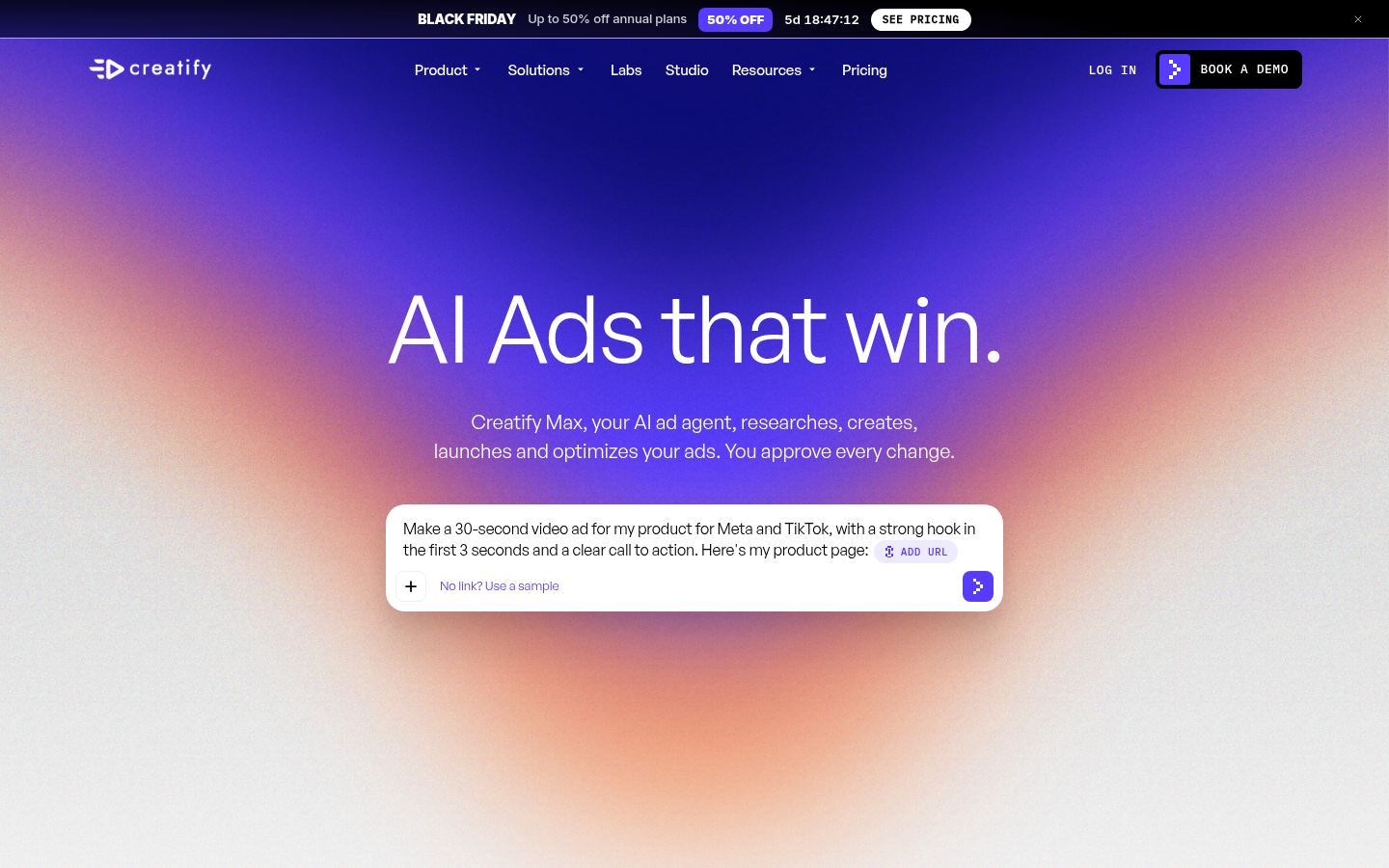
4. Creatify
Generates avatar ads from URLs and lets you tweak manual edits for free
Specifications
- Manual edits
- Free in editor
- Actors
- 300 Standard, 1,500 Pro+
- Rollover
- 1 extra month
- Refunds
- No refunds
Reasons to buy
- +Manual edits inside Creatify's editor cost zero extra credits
- +Free 10-credit tier lets you inspect output before upgrading
Reasons to avoid
- −Ad Agent chat burns plan credits
- −1 seat until $95/month Ultra
- −No-refund policy on subscriptions
Buy it if You want low-cost avatar ads and don't mind editing captions/cuts manually
Don't buy it if You need team seats, uncapped rollover or non-billed agent chats
Creatify notes on its site that manual edits on generated videos are free, which avoids re-render charges for simple trims. The trade-off is chat-billed AI agent sessions and strict seat limits.
Best for ready-made UGC ad remakes
Best for curated UGC remakes
5. MakeUGC
Flat per-video pricing for scripts up to 1,500 characters

Specifications
- Talking video cost
- 100 credits flat (up to 1,500 chars)
- Rollover
- None
- Refunds
- "All fees paid are final, non-refundable"
- Seats
- 0 / 3 / 5
Reasons to buy
- +Flat 100-credit cost per talking script makes long reads predictable
- +Built-in editor with captions and B-roll
Reasons to avoid
- −Completed videos are not re-credited for lip-sync or quality issues
- −No rollover
- −Starter caps exports at 480p/720p with zero seats
Buy it if You produce longer 45s to 90s talking scripts and want a flat per-video credit rate
Don't buy it if You want failed/bad lip-sync protection, rollover or a no-card trial
MakeUGC gives you a flat 100 credits per talking-actor script, though its refund policy states completed generations are not re-credited for quality or lip-sync problems. See our rundown of tools with self-serve refunds and failed-job protection.
Side-by-side comparison
| Tool | Price shown before run? | Failed-job / glitch protection | Rollover | Entry price | Seats on entry |
|---|---|---|---|---|---|
| Mantinea | Yes, every button + API | Auto-refund on fail; Fix a moment checks before billing | Yes, no cap | $29/mo | Unlimited |
| CapCut (baseline) | Model hints on pricing page | Reviews cite extra charges to fix AI mistakes | Monthly credits expire | ~$19.99/mo (3rd-party USD) | Per seat on Teams |
| invideo | Credit deductions vary by agent | Reviews report no protection on agent burn | No | $20/mo | 1 |
| Captions | Mixed (reviews cite pay-before-preview) | Reviews cite no refunds | 3x cap | $24.99/mo (AI actors) | 2 |
| Creatify | Credits listed; chat spends credits | No refunds policy | 1 extra month | $15/mo (Free 10 cr) | 1 |
| MakeUGC | Flat 100 cr per talking video | No re-credits for lip-sync/quality | No | $59/mo | 0 |
How to switch without breaking TikTok or Meta tests
You do not need to ditch CapCut as a free raw-footage trimmer on day one. Split generation from manual cutting cleanly:
- Stop buying AI credits inside CapCut. Keep your exported raw B-roll, fonts and sound effects, and let the current AI credit cycle wind down.
- Start the 14-day, 1,000-credit Mantinea trial. No card is required, so nothing auto-bills. Load your brand URL into Brand Brain and add your pronunciation dictionary entries first, so actor voices get brand names right on the first try.
- Run two 30-second ads and try a partial edit. Check the credit quote before each click. If one line needs tweaking, use Edit video instead of regenerating the full ad, and apply Brand finish (free preview) for captions, logo and end card.
- Move localization and variations over. Once your Mantinea ads match or beat your CapCut-generated creatives in TikTok Ads Manager, migrate your hook variations and multi-language dubs so all unused credits roll over cleanly month to month.