A realtor, a plumber, a dental clinic and a taco truck have the same ad problem: they need a steady stream of short local videos, they have no film crew, and the owner has about twenty minutes a week for marketing.
AI video tools fit that gap, but local businesses need different things from DTC brands. The face in the ad is often yours (people hire the agent, not the brokerage). The product is a place or a service you can't ship to a creator. And honesty matters more, because your customers can walk in and check.
Competitor details below were read on 12 November 2026, Mantinea's on 24 and 25 November 2026. We read vendor pages and did not run paid tests.
What different local businesses need
Real estate agents. A presenter (ideally you) talking over real listing photos and clips, in 9:16 for Reels and 16:9 for YouTube. Never let AI invent features of a property: generate the presenter, not the kitchen.
Home services (HVAC, plumbing, roofing, cleaning). Problem-solution ads: "Is your AC blowing warm air?" A friendly presenter and your real van, truck or team photo.
Clinics, med spas and dentists. A calm explainer of a service with no outcome promises, and a clear label if the presenter is synthetic.
Gyms, salons and restaurants. Fast, seasonal promos: the January offer, the new menu, the holiday hours. Volume and speed beat polish.
Franchises. One ad, re-made per location and often per language.
Best overall
Best overall
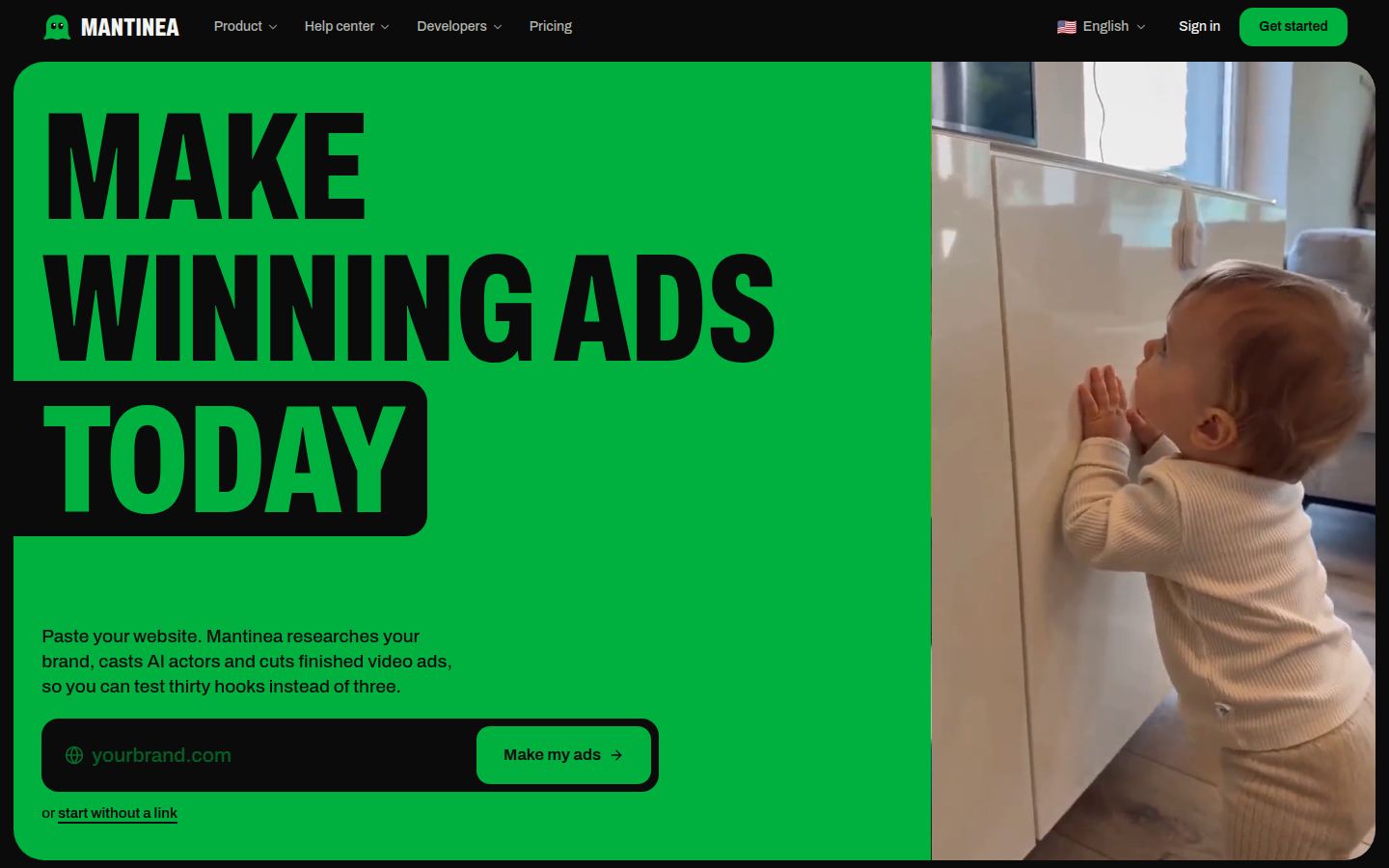
1. Mantinea
Your own face as the presenter, your real photos as the scene, one ad per location on a schedule
Specifications
- Plans from
- $29/month
- Free trial
- 14 days, 1,000 credits, no card
- Seats
- Unlimited
- Languages
- 182, up to 10 at once
- Ratios
- 9:16, 1:1, 16:9
Reasons to buy
- +Build your own actor from a photo (185 credits per scene) or clone yourself from a short video (200), with recorded consent
- +Reference-to-video from your own photos and clips
- +Narrated ads with no face at 3 credits per second (about $0.90 for 30 s)
- +Workflows and routines turn one ad into one per location, every week
Reasons to avoid
- −No manual frame-by-frame timeline editor
- −Building your own actor costs 185 credits per scene up front
Buy it if An agent, clinic or service business that wants to appear in its own ads
Buy it if A franchise making ads per location or language
Don't buy it if You only want to edit phone footage you shot yourself
What we liked: the "your own actor" wizard suits a business where the owner is the face. It's four steps (casting tile, look, a voice that matches, scenes), with a free in-browser face check before any credits are spent and a talking preview filmed for every new custom actor. Cloning from a short video asks you to say a consent phrase on camera or upload a consent recording. Once you exist as an actor, a 30-second talking ad is 15 credits per second, about $4.50.
For the scene, reference-to-video models work from your own material: Seedance 2.5 takes up to 30 images and 10 video clips as references for 4 to 30 seconds of footage at 14 credits per second. For a listing, keep it honest: real rooms, your presenter, no invented upgrades. Narrated ads (voiceover over visuals, no talking face) are the cheapest option at about $0.90 for 30 seconds, which suits a quick "open house Saturday" post.
Local businesses rarely want to touch a tool every day. Workflows have 115+ public templates, and routines run them daily or weekly with a credit budget, so "every Monday, make this week's offer ad in English and Spanish" is a one-time setup. Up to 10 of 182 languages per job helps businesses that serve more than one language community.
What bugged us: you can't hand-trim a frame. Edits are line-level (rewrite a line, only that section re-renders), which is fine for promos but means a separate editor for detailed cutdowns of your own footage.
Best for a polished digital twin
Best digital twin
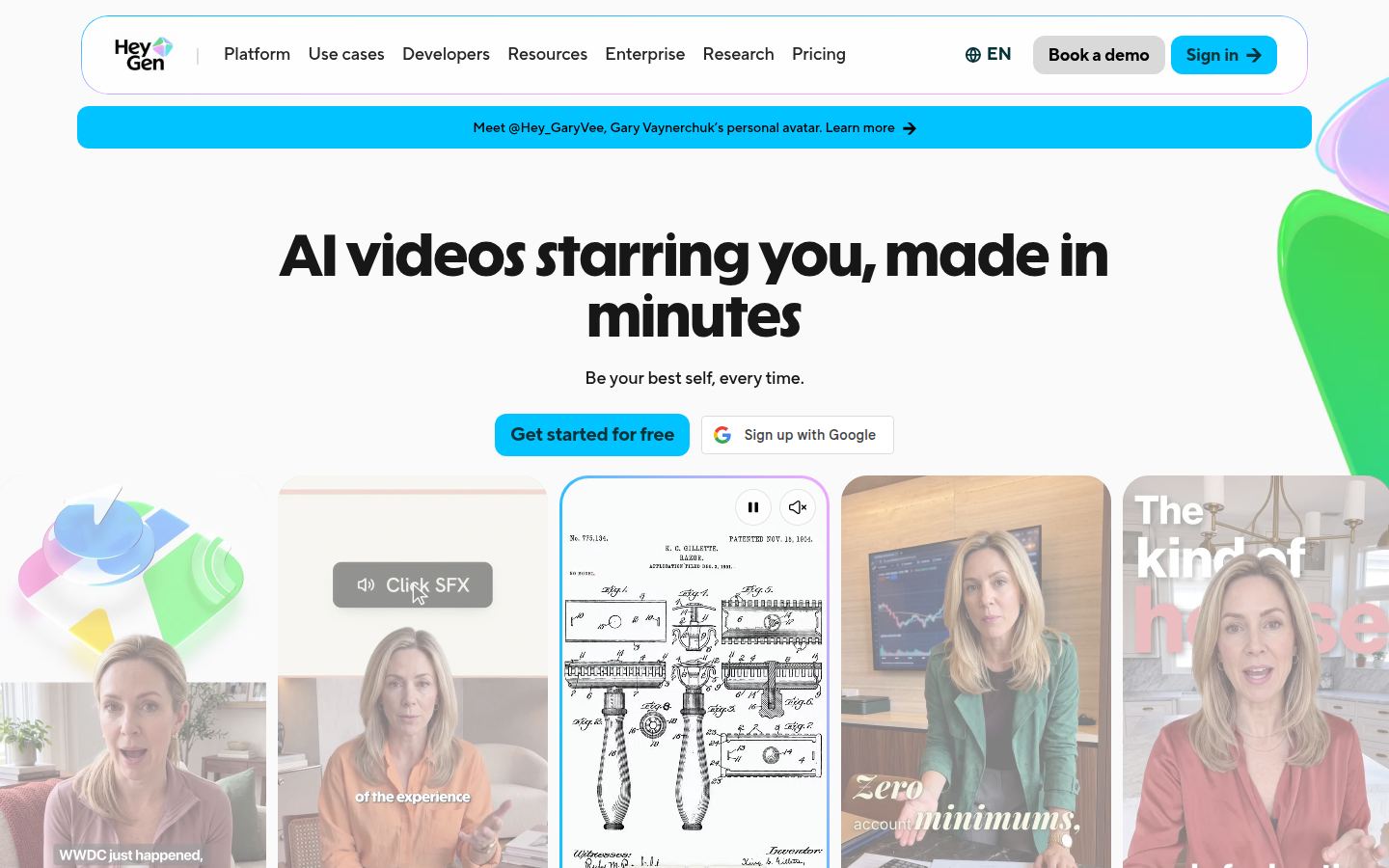
2. HeyGen
Personal avatars with a Real Estate use case on its site
Specifications
- Stock avatars
- 1,100+
- Languages
- 175+
- Seats
- 1 on Creator and Pro
- Rollover
- 1 month
Reasons to buy
- +Personal avatars "ready in 10 to 20 minutes"
- +Free plan to try
Reasons to avoid
- −Presenter-first, few local ad formats
- −Credit rates "can vary by account"
Buy it if An agent who wants a talking-head twin for listing explainers
Don't buy it if You want problem-solution ad formats and testing
HeyGen lists Real Estate among its use cases and is strong at a personal presenter. It's less focused on ad formats and hook testing.
Best clean corporate presenter
Best corporate style
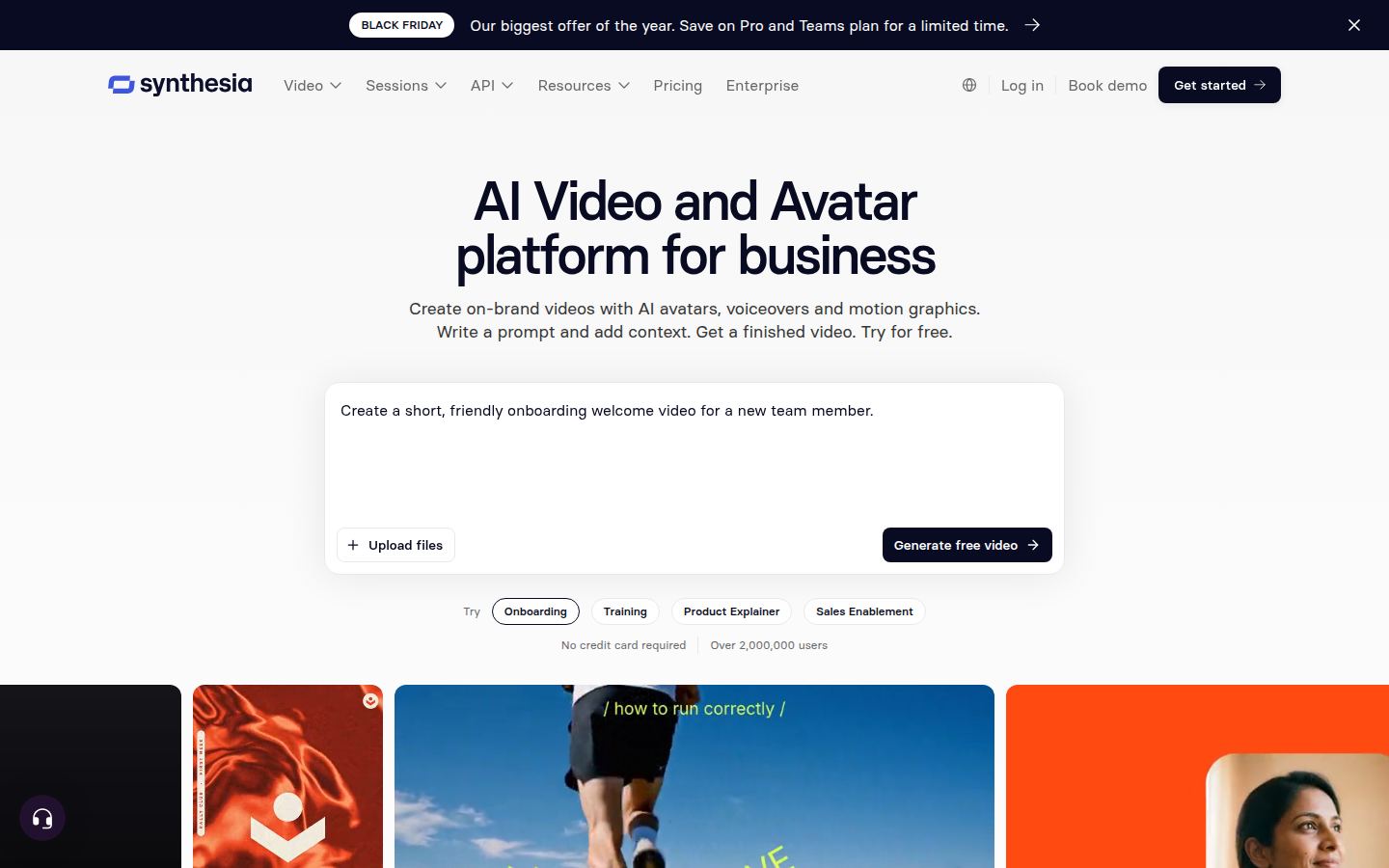
3. Synthesia
Polished stock presenters for explainers
Specifications
- Moderation
- Every video, by humans and AI
- Restricted topics
- Health, legal and financial claims
- Seats
- $29 per extra seat
- 4K
- Not offered
Reasons to buy
- +Clean, professional presenters
- +Low US entry price
Reasons to avoid
- −Every video moderated, restricted for clinics and financial services
- −Paid-plan trials only in the US
Buy it if A brokerage making training or recruiting videos
Don't buy it if You're a clinic, lender or insurer making ads
Synthesia is built for business explainers. Its moderation of health and financial topics is a hurdle for clinics and lenders.
Best for statics and quick clips
Best for flyers
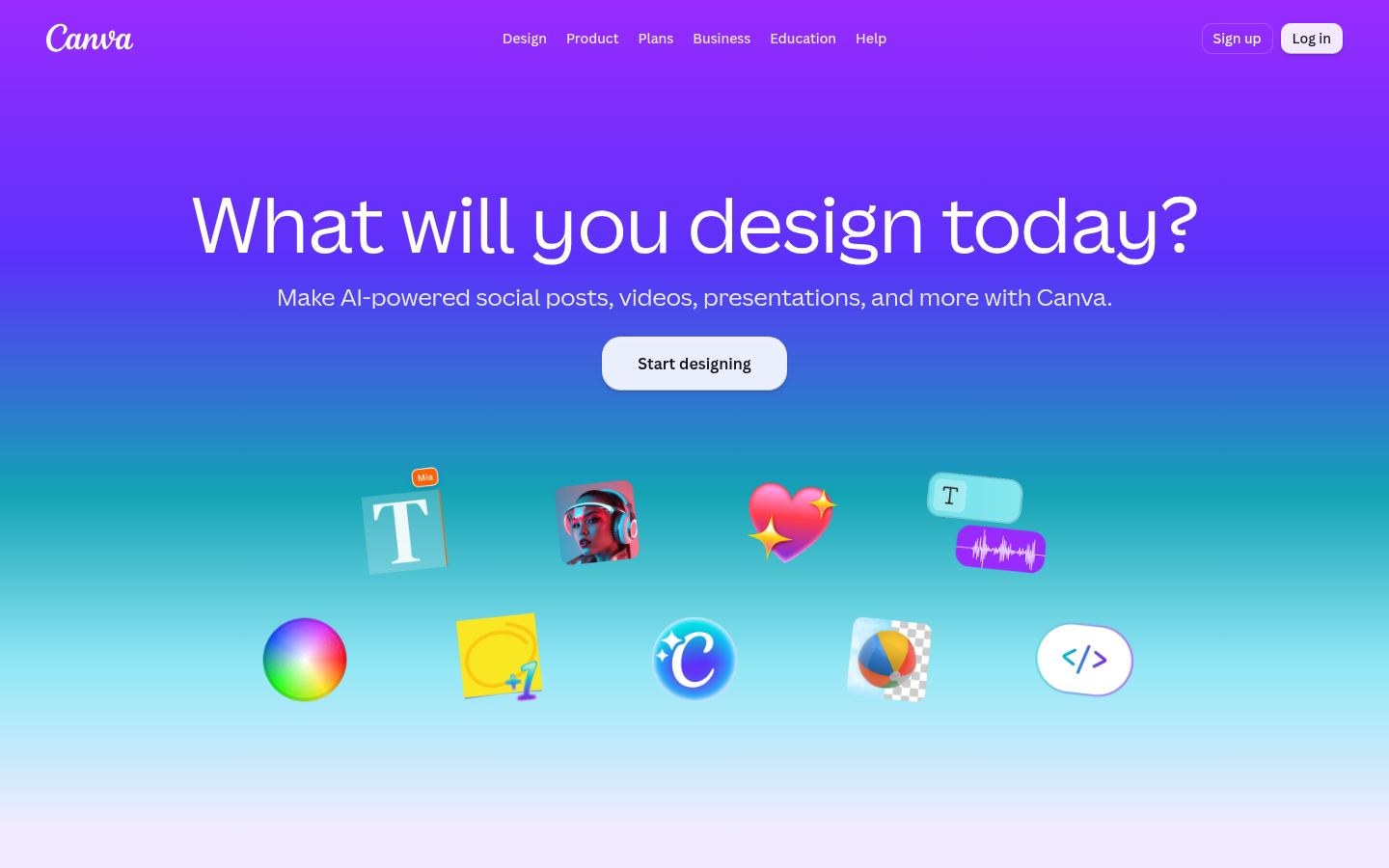
4. Canva
Flyers, menus and posts, plus AI clips up to 8 seconds
Specifications
- AI video
- Up to 8 s per clip
- Actor library
- None native
- Approvals
- Business and up
- Free tier
- Yes
Reasons to buy
- +Familiar, huge template library
- +Real free tier
Reasons to avoid
- −No talking presenters
- −AI allowance can run out
Buy it if A restaurant or salon that mostly posts images
Don't buy it if You want a presenter talking about your service
Canva handles the flyer side of local marketing. For a person on camera, you'll need something else.
Best for editing your own footage
Best phone editor
5. CapCut
A full editor for clips you shoot on your phone
Specifications
- Editor
- Full timeline
- AI avatars
- Yes, count not published
- Languages
- 30+
- Rollover
- Monthly credits expire
Reasons to buy
- +Frame-level editing
- +Captions and templates
Reasons to avoid
- −Reviewers complain about credits spent fixing AI mistakes
- −No API
Buy it if An owner who films walk-throughs and wants to tidy them
Don't buy it if You don't want to film at all
CapCut is for when you've shot the footage yourself. Many local businesses will use an editor like this beside an AI tool.
Three local ads, costed
| Ad | How | Credits | About |
|---|---|---|---|
| "Just listed" Reel, 20 s, you presenting | Your own actor, 15 credits per second | 300 | $3.00 |
| "AC blowing warm?" 30 s problem-solution | Library presenter, 15 credits per second | 450 | $4.50 |
| "New menu this week" 15 s narrated | Voiceover over your photos, 3 credits per second | 45 | $0.45 |
The one-time cost of building your own actor is 185 credits per scene. All three ads together fit inside the 1,000 trial credits. For budget picks, see AI UGC tools under $100 a month; for spokesperson-style tools, our spokesperson roundup.
How we compare these tools
We read vendor pricing pages, docs and policies and dated each. We did not run paid tests. Check local advertising rules for your trade, and label synthetic presenters.
Verdict
Mantinea is the best all-round pick for local businesses: put your own face in the ad with consent, use your real photos, and let a weekly routine make the next ad for each location or language, from $29 with a no-card trial. Skip it if you'd rather film everything yourself and only need an editor.