There are three ways to localize video ads, and they are not interchangeable. Subtitles are cheap and keep the original performance. A dub replaces the voice and, with lip-sync, the mouth. A re-film makes a new ad for the market with an actor who looks like they belong there. The right choice depends on how much of the ad is a face talking, and how much the market will forgive something that feels imported.
This post explains each method, then ranks five tools by how well they cover them. Competitor facts were read on 12 November 2026, Mantinea's prices on 24 November 2026. We did not run paid tests; check before you buy.
Method 1: subtitles
What it is: the original audio stays, translated text goes on screen.
When it works: ads watched with sound off, ads where the product does the talking, and markets used to subtitled content. It keeps the original actor's energy exactly.
When it doesn't: talking-head ads where the speech is the whole pitch, and markets where viewers expect audio in their language.
Method 2: dubbing
What it is: the speech is translated and re-voiced. Audio-only dubs swap the voice; lip-synced dubs also move the mouth to match.
When it works: a proven ad you want in many markets quickly. Audio-only suits ads that are mostly product shots; lip-sync is worth paying for when a face fills the frame.
When it doesn't: humor, slang and cultural references that need rewriting, not translating.
Method 3: re-film
What it is: the script is adapted and a new actor performs it for the market.
When it works: priority markets where a dub would feel foreign, and angles that need local references.
When it doesn't: long-tail markets where the cost of a new ad per language outruns the spend.
The cost of each, on one 30-second ad
Using Mantinea's published rates, here is what one 30-second ad costs to localize into 10 languages:
| Method | Rate | 10 languages |
|---|---|---|
| Audio-only dub | 90 credits per minute per language | 450 credits, about $4.50 |
| Lip-synced dub | 560 credits per minute per language | 2,800 credits, about $28 |
| Re-film with a new talking actor | 15 credits per second per market | 4,500 credits, about $45 |
For comparison, Arcads charges 240 credits per started 30 seconds per language, $3.30 on Starter, so 10 languages is about $33. Subtitles-only is a separate mode; the quote shows before you run it.
A practical pattern: subtitle or audio-dub the long tail, lip-sync the markets where faces carry the ad, and re-film the two or three markets that matter most.
Best overall
Best overall
1. Mantinea
All three methods in one place, with up to 10 languages per submission
Specifications
- Languages
- 182, including 108 regional accents
- Per submission
- Up to 10 languages
- Modes
- Lip-synced, translate and re-voice, audio only, subtitles only
- Re-film
- UGC Translation template and regional launch packs
- Seats
- Unlimited
Reasons to buy
- +Subtitle, dub and re-film without changing tools
- +Each language quoted before it runs
- +Pronunciation dictionary keeps brand names consistent
- +Reviewers per market at no extra seat cost
Reasons to avoid
- −Lip-sync is off when translating a Pro-actor video
- −No manual frame-by-frame timeline editor
Buy it if You localize every winning ad into several markets
Buy it if You want a different method per market
Don't buy it if You only ever need English subtitles
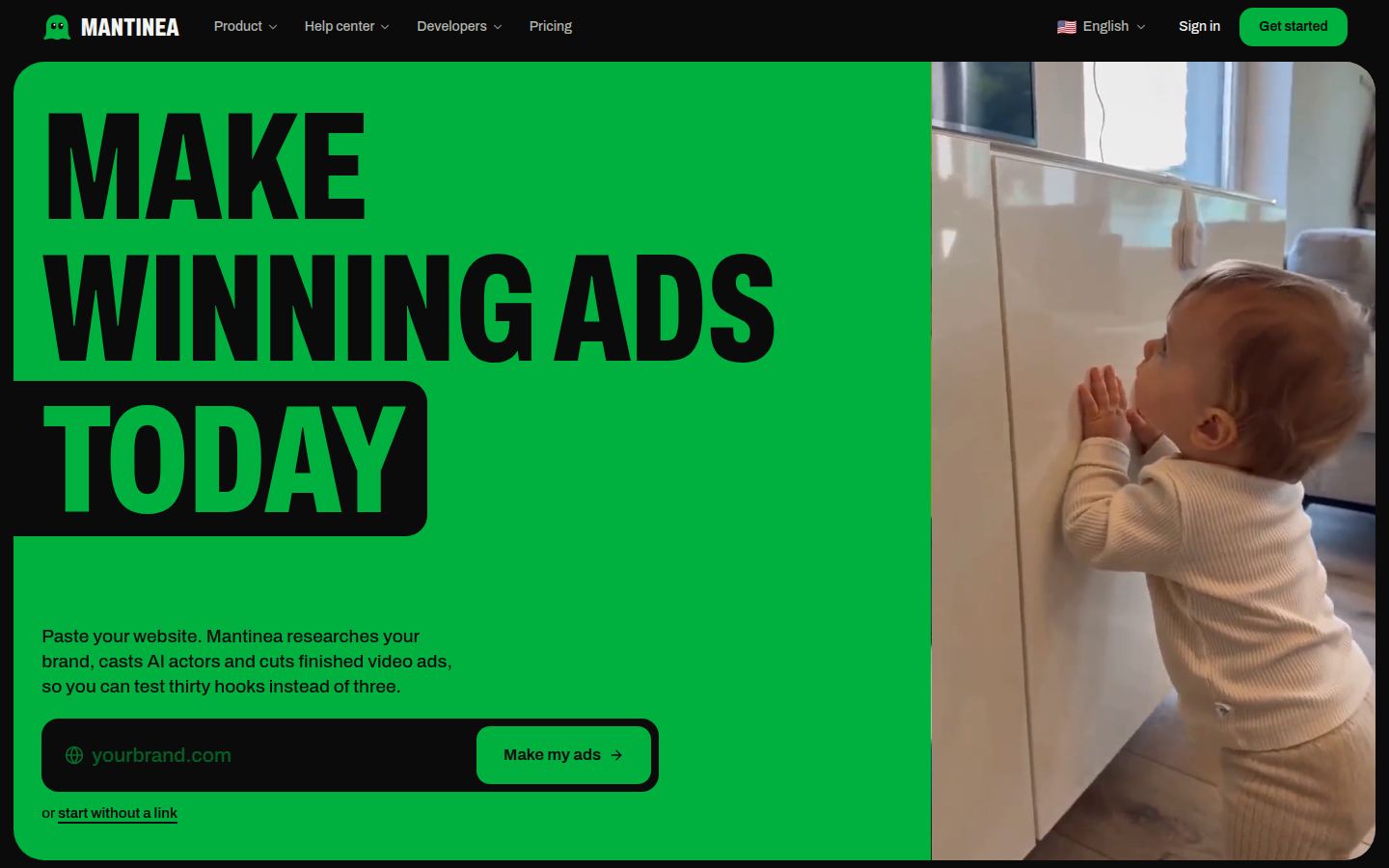
Mantinea is the only tool we found that covers all three methods. Translation runs up to 10 of 182 languages and accents per submission, in four modes: lip-synced translation in the same voice (checked with SyncNet), translate and re-voice, audio only, or subtitles only. Pricing is per minute per language, prorated by the second with a 10-second minimum.
For re-filming, the UGC Translation template re-makes the ad per market with a local-looking actor (Spanish, French, German and Brazilian Portuguese in the template), and regional launch-pack templates cover Europe, LATAM, APAC, MENA and the Nordics. Because the agent and workflows can chain steps, one run can re-film two priority markets and dub eight more.
Two details save rework. The workspace pronunciation dictionary applies to every voice, so the brand name is said the same way in every language. And reviews with timecode comments and approvals are on every plan, with unlimited seats, so a native speaker per market can sign off before anything ships. The app itself runs in English, Spanish and Arabic.
Best for subtitles
Best for subtitles
2. Captions
Captions in 100+ languages inside a mobile editor
Specifications
- Subtitles
- 100+ languages
- Caption styles
- 100+
- Dubbing and Lipdub
- 30+ languages
- Seats
- 2 on Max
Reasons to buy
- +Wide subtitle coverage
- +Caption styling
Reasons to avoid
- −Dubbing list is far shorter than subtitles
- −"Most AI-powered features require an active subscription to export"
Buy it if Your localization is mostly subtitles on your own footage
Don't buy it if You need dubs in many languages
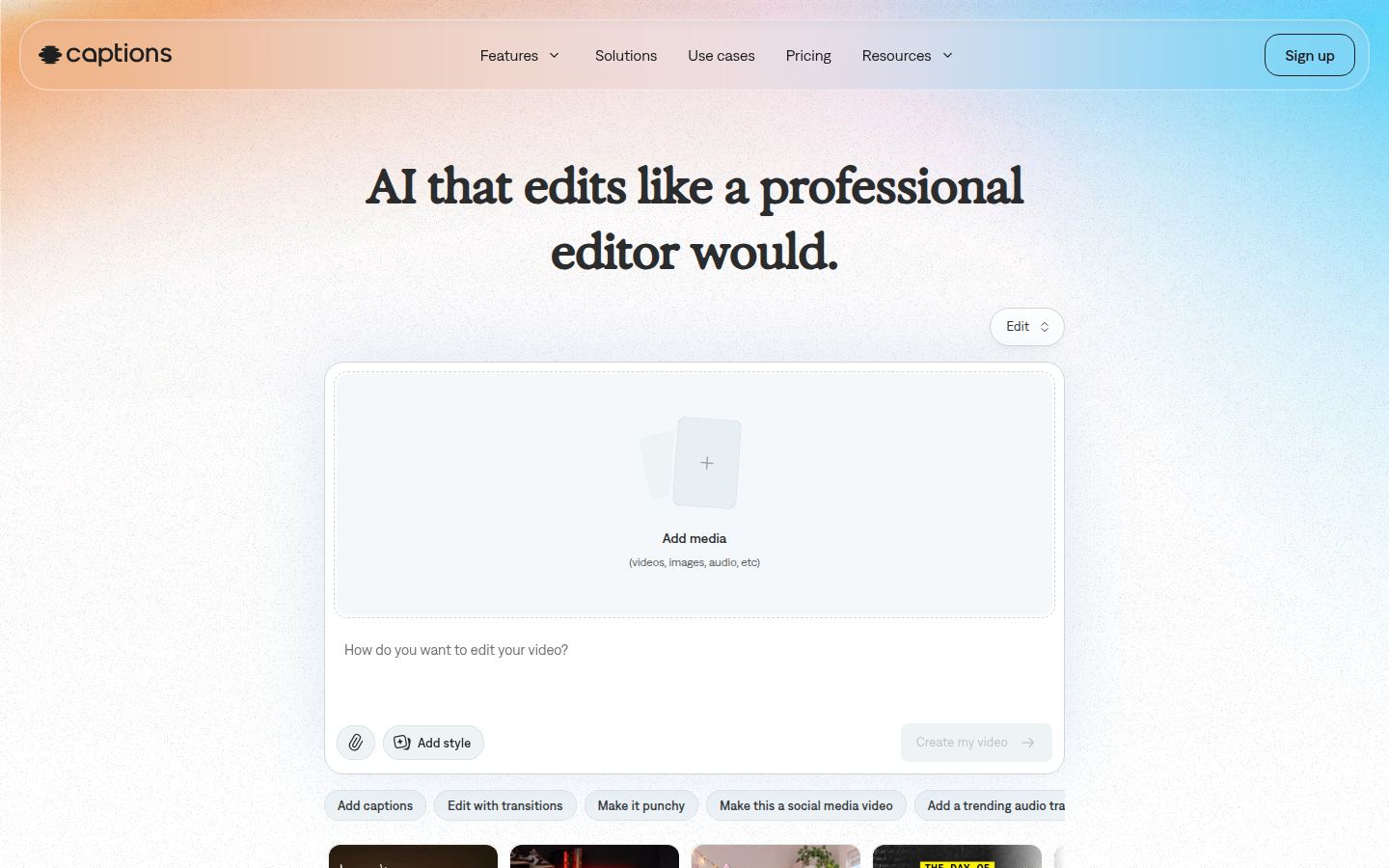
Captions is built around captions, with 100+ languages and 100+ styles. Dubbing covers 30+.
Best dub for long presenter videos
Best presenter dubbing
3. HeyGen
Video translation in 175+ languages with Speed and Precision modes
Specifications
- Languages
- 175+
- Lip-sync
- Speed and Precision
- Re-film
- no
- Seats
- 1 on Creator and Pro
Reasons to buy
- +Upload your own voice
- +Proofread seats on higher plans
Reasons to avoid
- −No native re-film option
- −Team features on Business ($149 + $20 per seat)
Buy it if You dub long presenter videos
Don't buy it if You want re-films for priority markets
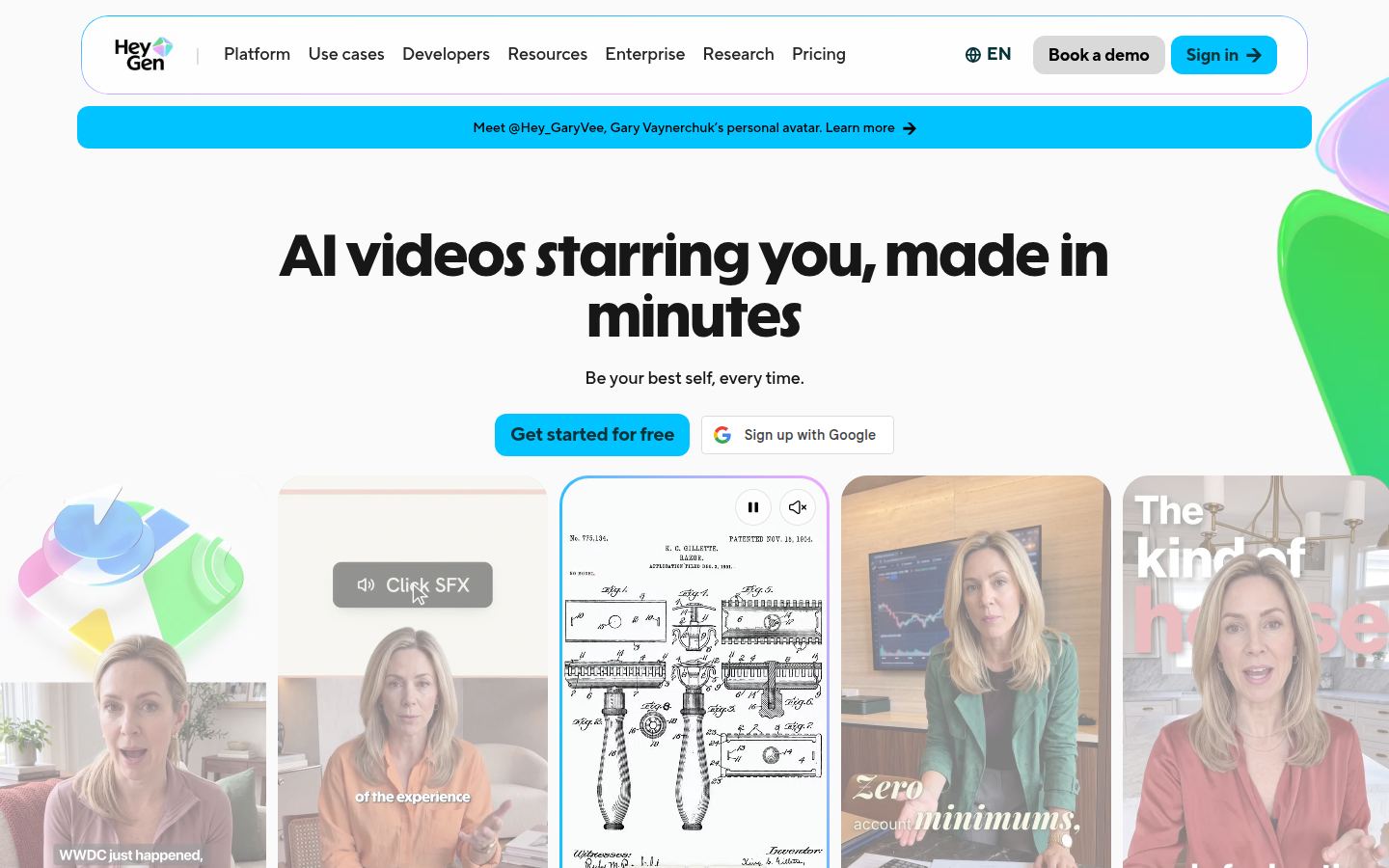
HeyGen translation covers 175+ languages and dialects. It does not re-film.
Best per-language dubbing in an actor tool
Best in Arcads
4. Arcads
Translate Video with 176 options, one language at a time

Specifications
- Translate options
- 176
- Price
- 240 credits per started 30 s per language
- Batch
- one language at a time
- Seats
- Pro ($550) and up
Reasons to buy
- +Large option list
- +Captions tool alongside
Reasons to avoid
- −No multi-language submission
- −Card-required trial
Buy it if Your ads are already in Arcads
Don't buy it if You localize into many markets each week
Arcads translates one language at a time at 240 credits per 30 seconds.
Best for business video dubbing
Best for business video
5. Synthesia
Voice-preserving dubbing with a glossary
Specifications
- Dubbing
- 70+ languages self-serve, 140+ Enterprise
- Moderation
- every video
- Re-film
- no
- Paid trials
- US only
Reasons to buy
- +Dubbing of uploaded files and YouTube links
- +Multilingual player
Reasons to avoid
- −Health, legal and financial claims restricted
- −Moderation delays reported
Buy it if You localize training or internal video
Don't buy it if You localize ads with product claims on a deadline
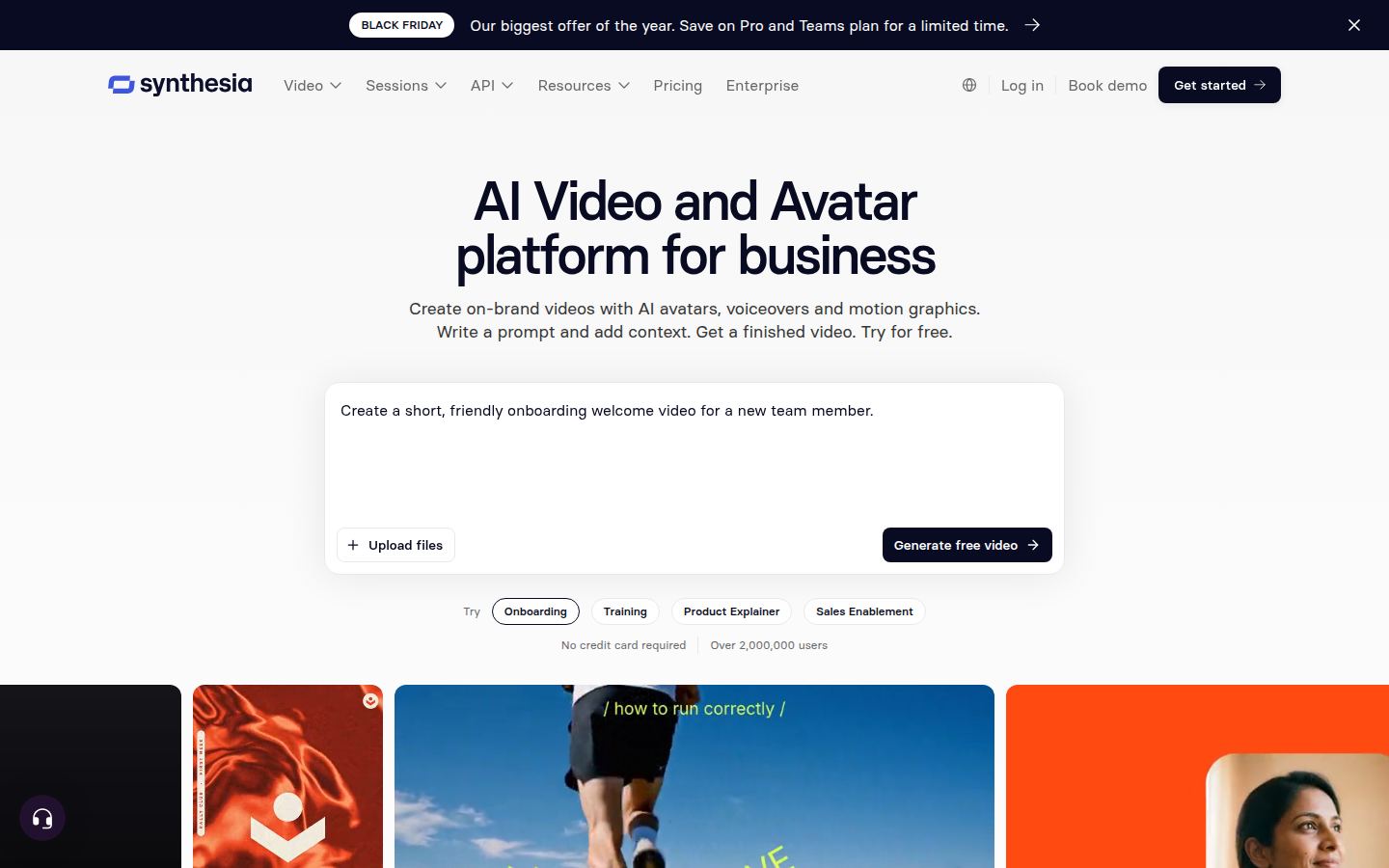
Synthesia dubs with voice preservation but moderates every video.
Comparison table
| Tool | Subtitles | Audio dub | Lip-synced dub | Native re-film | Languages in one go |
|---|---|---|---|---|---|
| Mantinea | Yes | Yes | Yes | Yes | Up to 10 |
| Captions | 100+ | Yes | 30+ | No | Not listed |
| HeyGen | Not listed | Yes | Yes | No | Not listed |
| Arcads | Captions tool | Yes | Yes | Not listed | One at a time |
| Synthesia | Not listed | Yes | Yes | No | Not listed |
A localization checklist
- Lock the source ad first. Localizing a loser wastes every language.
- Add brand and product names to the pronunciation dictionary before the first dub.
- Pick a method per market, not one for all.
- Keep prices and offers as text overlays so each market can change them without a re-render.
- Have a native speaker approve each version.
- Label synthetic actors in each market as the local platform and law require.
For tool-by-tool lip-sync detail, see our lip-sync rankings, and for the voice controls behind a good dub, the voice tools comparison.
How we compare these tools
We read vendor pricing pages, help centers, feature pages and Trustpilot, and dated every number. We did not render test translations. Mantinea ranks first because it is the one tool we found that subtitles, dubs and re-films in the same workspace, with up to 10 languages per submission and a quote before each job.