A brand kit tells an ad tool what your brand looks like: logo, colors, fonts. It does not tell it what you sell, which feature matters to which buyer, or what your product looks like in use. That gap is why so many AI ads end up with an actor talking about a product that never appears on screen. So when you compare AI brand research across tools, ask how much each one learns about your product before it writes the first script.
We looked at five tools that ask for your brand up front, ordered from the deepest research to the lightest. Switching tools means redoing this step of setup, so it helps to know what each one will rebuild for you.
Competitor features and prices come from vendor pages, docs and help centers read on 12 November 2026. Mantinea prices are from its 24 November 2026 price list. Check before you buy.
Best overall
Best overall
1. Mantinea
Reads up to 40 pages of your site and records your real app with a demo login
Specifications
- Plans from
- $29/month
- Free trial
- 14 days, 1,000 credits, no card
- Site crawl
- Up to 40 pages
- App capture
- Demo login, real flows recorded
- Seats
- Unlimited
Reasons to buy
- +Brand Brain holds products, competitors, tone, audience and characters
- +Records real product flows and close-up product shots for ads
- +Competitor ads library, first pull free at brand setup
- +Brand kit exports as design tokens
Reasons to avoid
- −Newer brand than most tools on this list
- −No manual frame-by-frame timeline editor
Buy it if You sell a product with real features to show, especially a SaaS or app
Buy it if You want scripts that name the right feature for the right audience
Don't buy it if You only need your logo and colors on a talking-head video
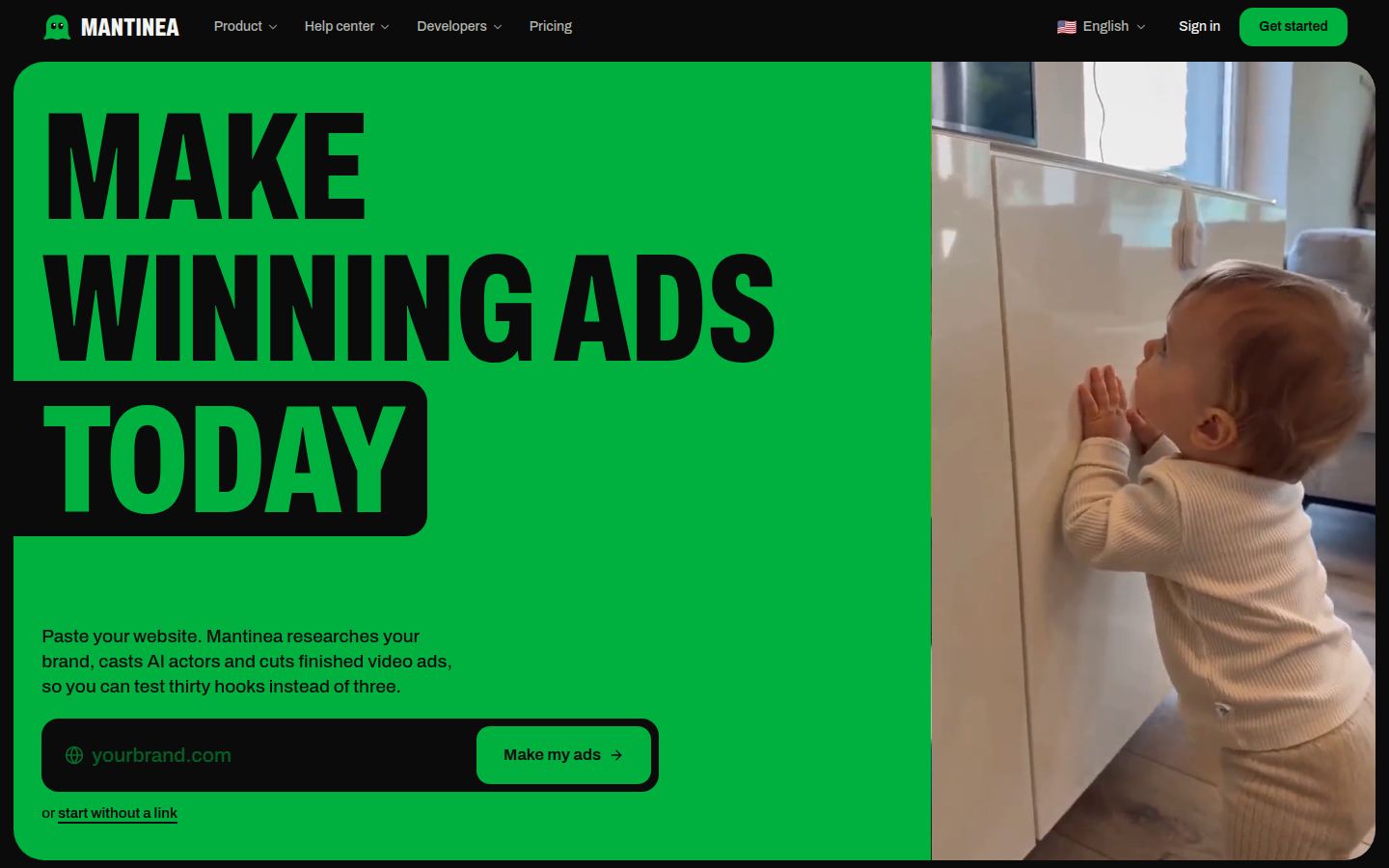
Mantinea's Brand Brain is closer to a research file than a brand kit. Give it your link and it crawls the site, up to 40 pages, into a feature catalog with close-up product shots. If you sell software, you can give it a demo login (stored encrypted and write-only) and it signs in, explores the app, and records real product flows as clips and screenshots. Those clips are what end up behind the actor, so a script line about your dashboard cuts to your actual dashboard.
The Brain also holds your products, competitors, tone of voice with sample phrasings, audience with demographics, creator preferences and recurring characters. When the agent learns something new, it proposes a Brain change that you accept or decline, so the file stays yours. Pricing is quoted before each step: a brand analysis is 30 credits, a site crawl 80, or 100 with the app explore, so about $1 for a full read. The first competitor ad pull at brand setup is free.
You still get the brand-kit layer. You can create a brand from a URL, export the kit as design tokens, make logo variants, and use "Brand finish" to add exact captions, your corner logo and an end card in one step (2 credits per started minute, preview free).
Best for brand memory inside an agent
Best for agent-led brand memory
2. Arcads
The Mark agent reads your website into a Brain panel
Specifications
- Plans from
- $110/month
- Trial
- 72 hours, card, converts to $110
- Brand research
- Website read into a Brain panel
- Seats
- Pro ($550/mo) and up
Reasons to buy
- +Agent learns the brand from your website
- +Competitor ads sync from the Meta Ad Library
Reasons to avoid
- −Mark chat is billed by token on top of generations
- −Seats, rollover and API start at $550/month
- −App walkthroughs limited to a "Show your app" tool
Buy it if You already run your ad production through an agent chat
Don't buy it if You need several teammates on a starter budget
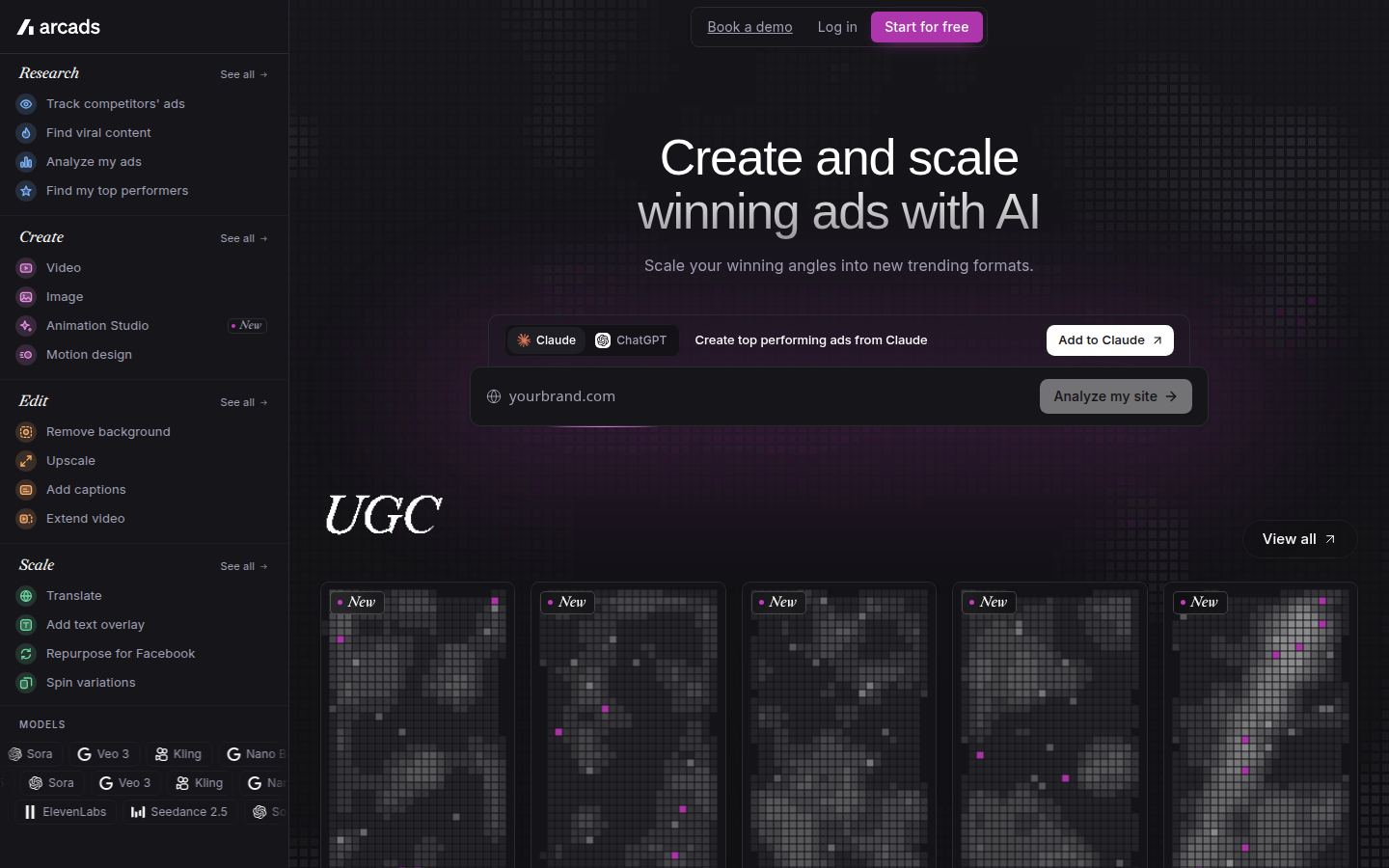
Arcads gives its agent, Mark, a Brain panel that it fills by reading your website. That counts as brand research, a step past a kit. Cost visibility is the catch: chat turns with Mark are charged by token usage on top of what you generate, and one Trustpilot reviewer described the agent regenerating an ad "without asking" and burning about 3,000 credits. For recording your app, Arcads has a "Show your app" tool (200 credits) rather than a demo-login explorer.
Best for URL-to-video
Best for URL-to-video
3. Creatify
Paste a product link and get a video, with a logo, color and font brand kit
Specifications
- Plans from
- $15/month
- Free plan
- 10 credits/month, watermark
- Brand research
- URL to Video + brand kit
- Seats
- 1 on Standard and Pro
Reasons to buy
- +Quick product-page-to-video flow
- +Brand kit with logo, colors and fonts
Reasons to avoid
- −Research is per video, not a stored product catalog
- −Agent chat spends plan credits
- −API is a separate $99-299/month subscription
Buy it if You make one-off videos from product pages
Don't buy it if You want the tool to remember your whole catalog and audience
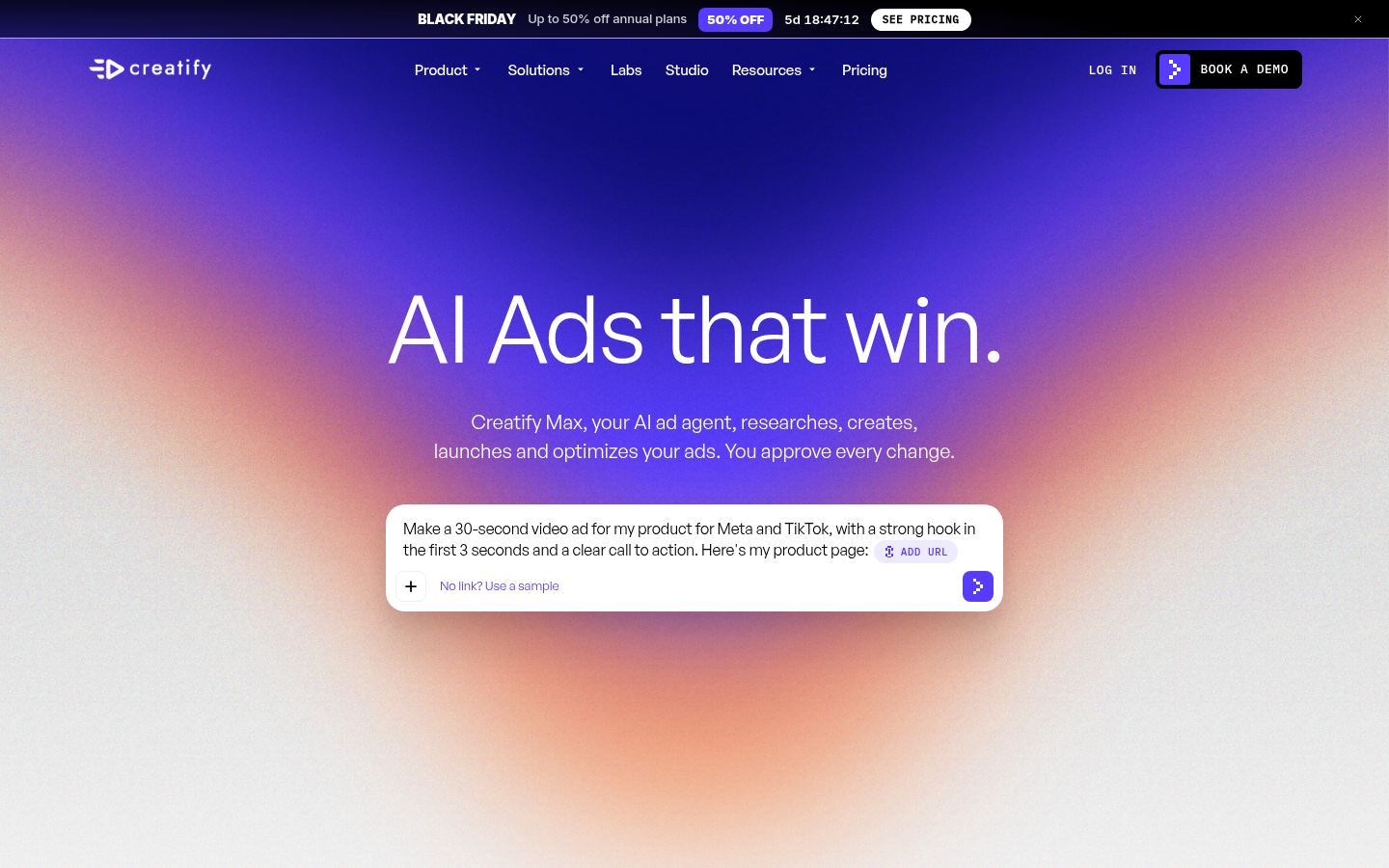
Creatify works from a link: URL to Video pulls what it needs from a product page, and the brand kit keeps logo, colors and fonts consistent. It suits e-commerce teams with clear product pages. It is a per-video import, so each new ad starts from a link again rather than from a stored understanding of your range.
Best for static ads from a URL
Best for static ads from a URL
4. Higgsfield
Ads Studio pulls logo, colors, products, prices and images from your site
Specifications
- Plans from
- $9/month (yearly)
- Brand research
- Ads Studio URL import (static ads)
- Batch
- Up to 10 products
- Rollover
- None
- Teams
- $79/seat/month
Reasons to buy
- +Pulls products, prices and images as well as colors
- +Researches "what sells in your category"
Reasons to avoid
- −Ads Studio output is static ads only
- −Unused credits do not roll over
- −No clear free trial on the pricing page
Buy it if You need a batch of static product ads from your store
Don't buy it if You need talking-actor video ads built on that research
Higgsfield's Ads Studio is the closest thing here to a site read: paste a URL and it pulls logo, colors, products, prices and images, researches the category, and turns selling points into static ads, up to 10 products a batch, with the brand kit reused across batches. The limit is the output: those ads are images with headlines and CTAs, not video.
Best brand kit for avatar video
Best brand kit for avatar video
5. HeyGen
Brand Kit and glossary applied by the Video Agent
Specifications
- Plans from
- $29/month
- Brand research
- Brand Kit + Brand glossary
- Site crawl
- None found
- Seats
- 1 on Creator and Pro
Reasons to buy
- +Video Agent applies brand colors and typography
- +Glossary helps translations keep brand terms
Reasons to avoid
- −No site crawl or product catalog found
- −One seat until Business at $149 + $20/seat
Buy it if You make avatar videos that need consistent brand styling
Don't buy it if You want the tool to research your product and competitors
HeyGen has a Brand Kit and a Brand glossary, and its Video Agent says "Your Brand, Automatically Applied" for colors and typography. We found no site crawl into a product catalog and no competitor ads library. One recent Trustpilot reviewer wrote that the tool "doesn't use my font or my brand kit information", so test it on your own brand during the free plan.
Side by side
| Tool | What it reads | Stored for later ads | Records your app | Competitor ads |
|---|---|---|---|---|
| Mantinea | Up to 40 site pages, plus your app via demo login | Yes, Brand Brain | Yes | Yes, library with remix |
| Arcads | Your website, into Mark's Brain | Yes | Partial ("Show your app") | Yes, Meta Ad Library sync |
| Creatify | A product URL per video | Brand kit only | No | Tracker, 3 to 10 competitors on Pro+ |
| Higgsfield | Site URL for Ads Studio | Brand kit across batches | No | Via MCP presets |
| HeyGen | Brand Kit you upload | Brand kit and glossary | No | None found |
What this means when you switch
If you are leaving a brand-kit tool, plan for setup to take one step longer and pay off for longer. Bring your logo files and fonts, but also bring a demo login for your app, a list of the three competitors you watch, and two or three lines that sound like your brand, so the tone section starts from real examples. Then read what the Brain wrote back and decline anything that is wrong before you generate. For a full migration checklist, see switching from HeyGen to Mantinea, and for the wider feature picture, Mantinea vs 18 AI ad tools.
How we compare these tools
We read each vendor's pricing page, feature pages, docs and help center, and public review pages where noted, on 12 November 2026, and we date every price. We did not run hands-on tests. "None found" means we did not find the feature on the pages we read, not that it cannot exist. Mantinea's details come from its product documentation and its 24 November 2026 price list.